Options and accessories User Guide
Normal characters and barcode (Barmode)
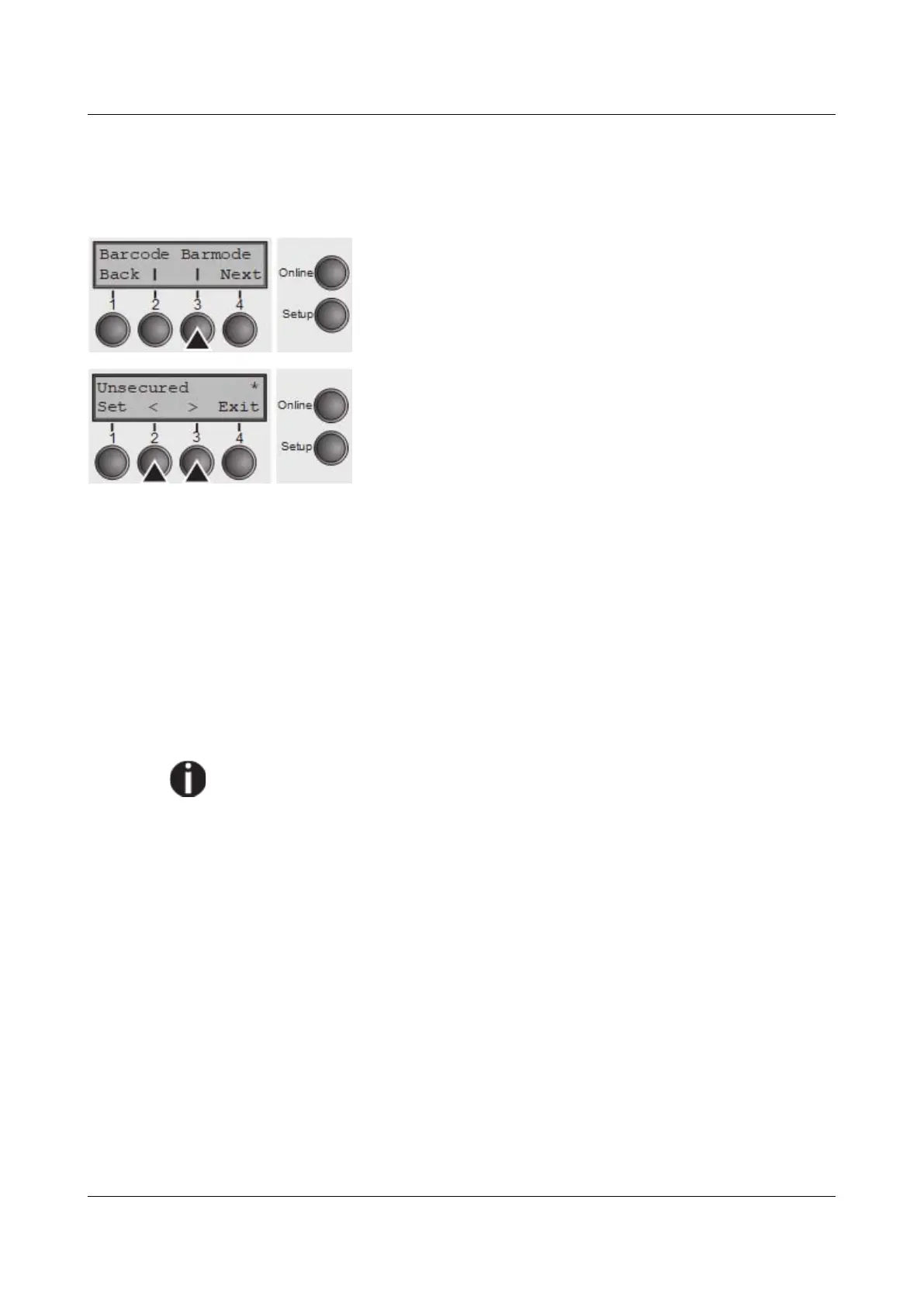
Allows printing of normal characters on the left and right of the barcode.
Press Barmode (3) key.
Use the < (2) or > (3) key to select the desired setting.
Setting Options: Secured/Unsecured
Default Setting: Unsecured
In secured mode, the space which the barcode characters require is “protected”.
In each line, other barcode or normal characters can also be printed. These
additional characters are printed in the line currently being printed and and in the
subsequent lines, without affecting the barcode which is already being printed.
Consequently, normal characters can be printed in every line to the right or left of
the barcode.
In unsecured mode, the required paper transport for printing barcodes and LCP
is carried out automatically, it is not possible to print more than one line of normal
characters in the barcode line. All characters in the mixed line are printed such
that their bottom edges are in a straight line. This function may be switched on
and off by sequences.
This function can be activated/deactivated by sequences.
Confirm the setting by pressing the Set key (1). Press the Next key (4) to access
the next group of parameters.
82



 To Next Page