Options and accessories User Guide
Setting character density (CPI)
Sets the characters per inch (character pitch). The higher the parameter the
smaller the character spacing.
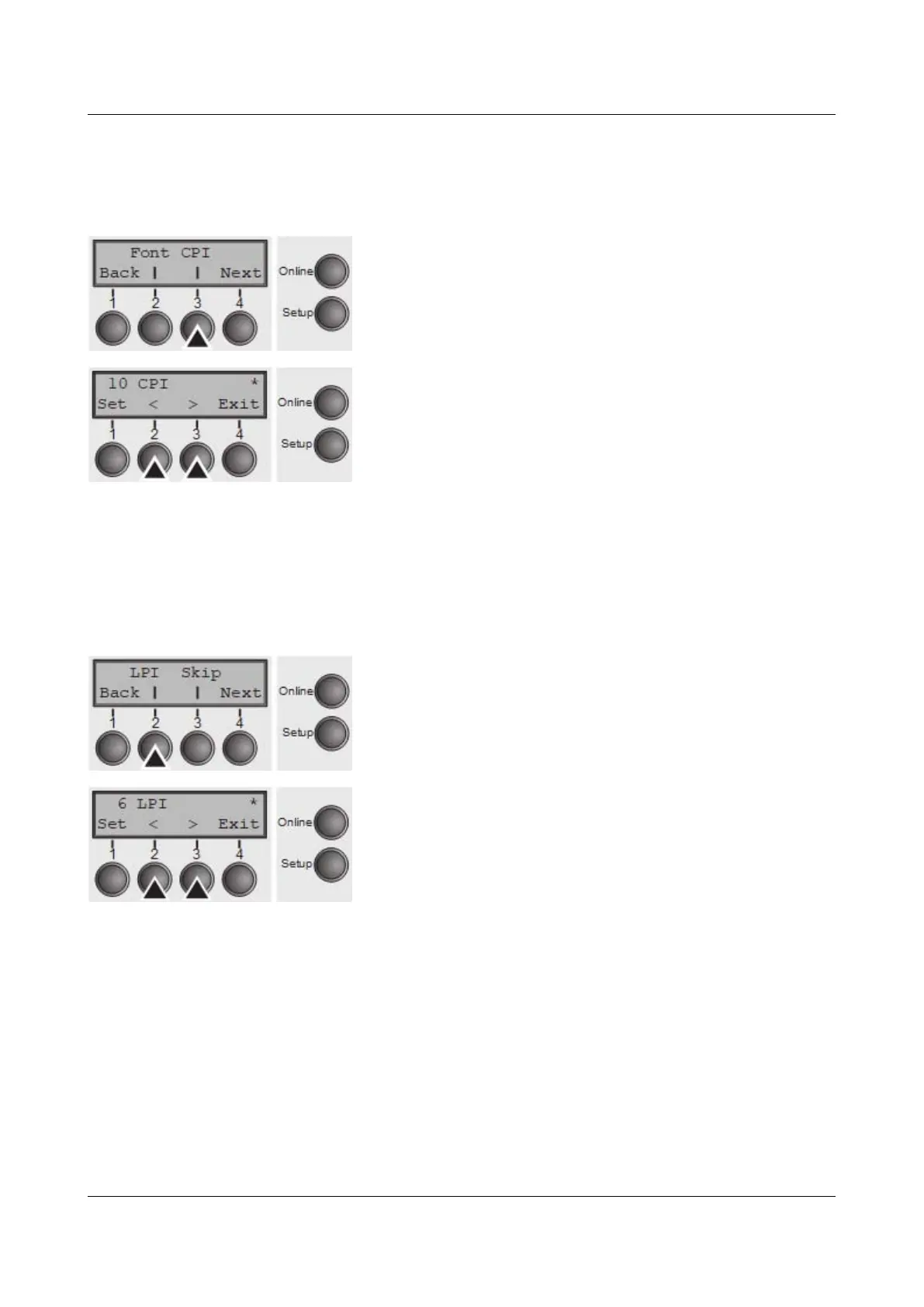
Press CPI (3) key.
Use the < (2) or > (3) key to select the desired setting.
Setting Options: 5 CPI, 6 CPI, 7.5 CPI, 8.6 CPI, 10 CPI, 12
CPI, 13.3 CPI, 15 CPI, 17.1 CPI, 20 CPI
Default Setting: 10 CPI
Confirm the setting by pressing the Set key (1). Press the Next key (4) to access
the next group of parameters.
Setting line spacing (LPI)
Sets the lines per inch (line density). The higher the parameter the smaller the
line spacing (random LPI can be selected via the ESC sequences).
Press LPI (2) key.
Use the < (2) or > (3) key to select the desired setting.
Setting Options: 2 LPI, 3 LPI, 4 LPI, 6 LPI, 8 LPI, 12 LPI
Default Setting: 6 LPI
Confirm the setting by pressing the Set key (1).
60



 To Next Page