Options and accessories User Guide
Paper transport
Loaded paper can be transported in the printer in several ways.
Make sure that the printer is in offline mode; press the
Online key, if necessary.
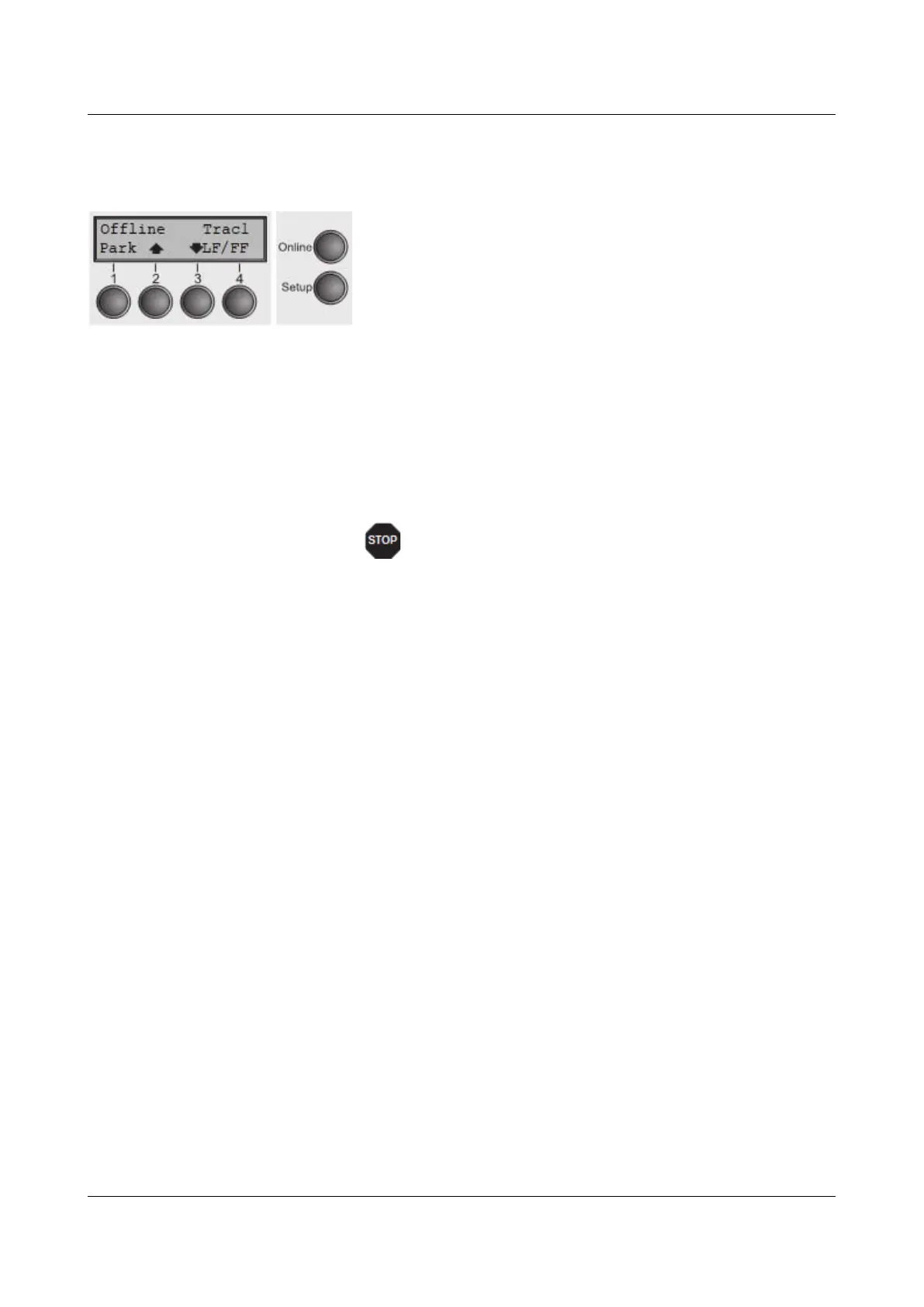
► Key Park (1) – If fanfold paper is loaded in the printer, it is
fed to the park position or the tear position.
► Key (2) – Short keypress: Paper is transported upwards
step by step. Long keypress: Continuous transport
upwards.
► Key (3) – Short keypress: Paper is transported downwards
step by step. Long keypress: Continuous transport
downwards.
► LF/FF key (4) – Short keypress: Line Feed (LF) is
executed. Long keypress: Form Feed (FF) is executed.
The maximum value of the paper return feed is 22
inches.
36



 To Next Page