RiverPro and RioPro ADCP Guide October 2017
EAR-Controlled Technology Subject to Restrictions Contained on the Cover Page.
Page 25
Routing Cables
The input/output (I/O) cable connects the RiverPro/RioPro to the computer. TRDI delivers the cable with
both connectors attached. The transducer-end connector is molded on, so it can be used below the water-
line. The cable is custom-made in lengths specified by the user. Route this cable so:
• The cable can be installed with the connectors attached.
• Avoid sharp bends in cables.
• Cables subjected to vibration or exposed to seawater drag should be adequately clamped to
prevent conductor fatigue and ultimate failure.
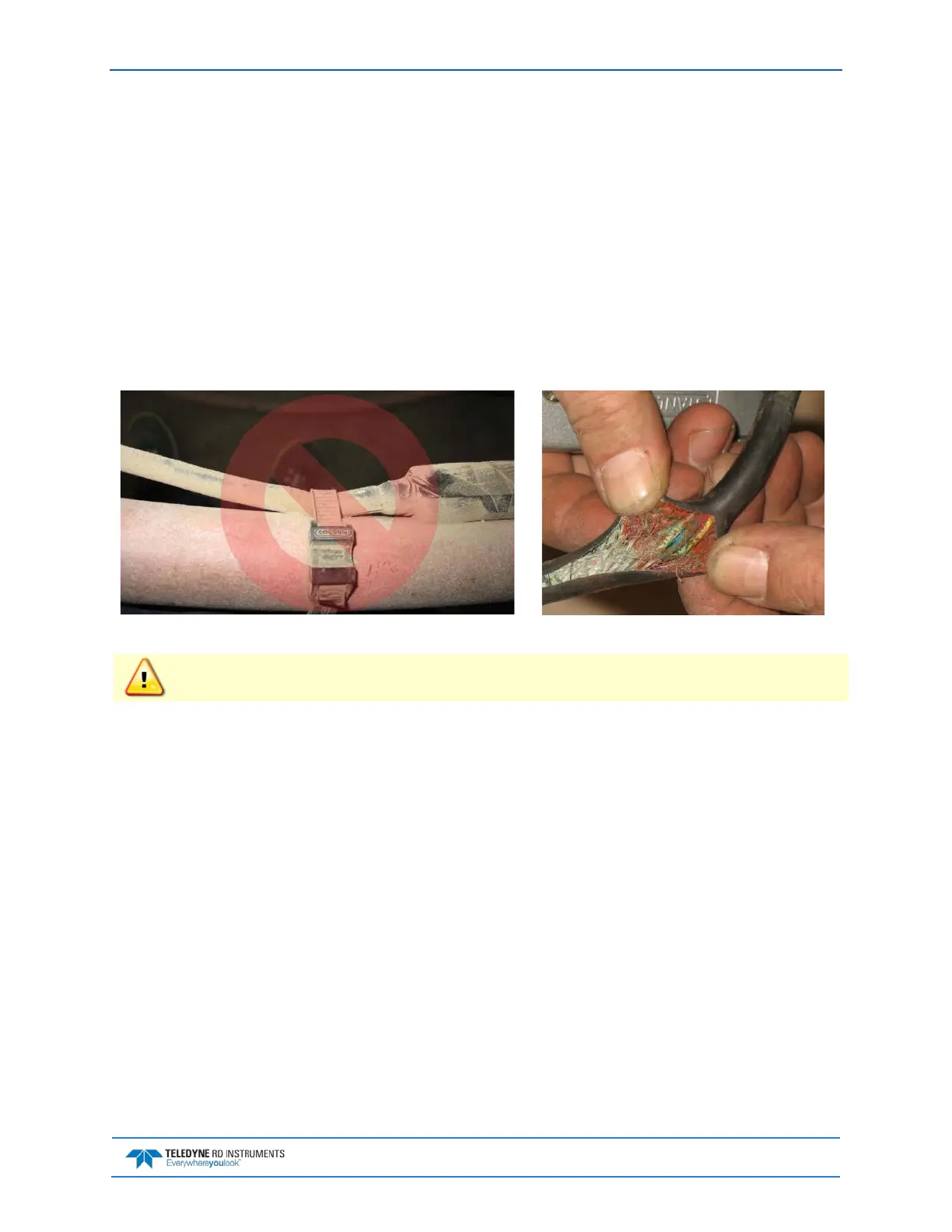
• Protect the cables with hose if zip-ties are used to secure them to structures (see Figure 8).
• The cable can be easily replaced if it fails.
Figure 8. Do not use Zip-Ties Directly on Cables
When attaching the RiverPro/RioPro cable to a mount, do not zip-tie the cables directly to the
structure. Zip-ties slowly cut through the cable’s outer jacket and cause leaks.



 To Next Page