October 2017 RiverPro and RioPro ADCP Guide
Page 16
EAR-Controlled Technology Subject to Restrictions Contained on the Cover Page.
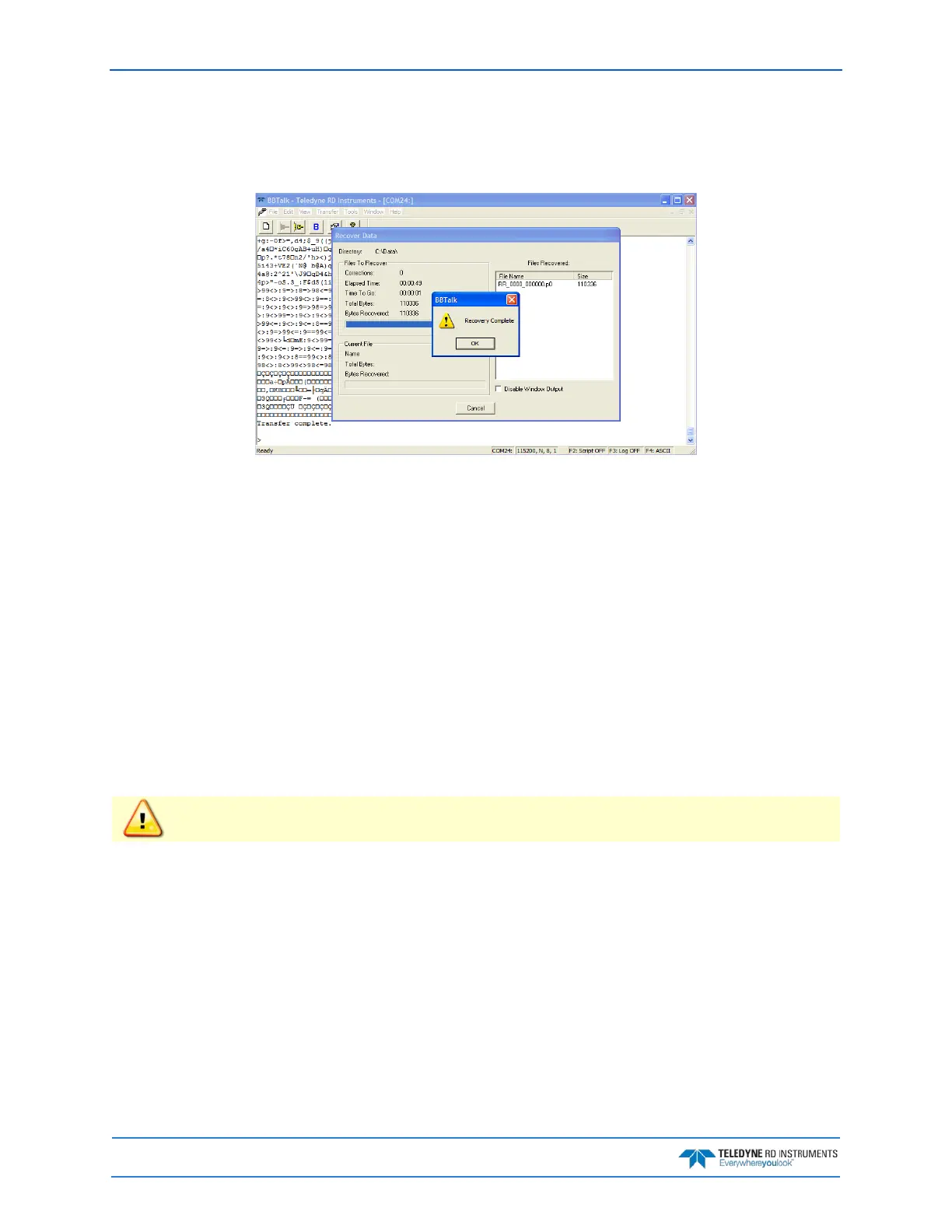
4. BBTalk displays current protocol status, filename being received, total size of receiving file and
current number of bytes received (see Figure 5, page 16).
5. When recovery is complete, click OK.
Figure 5. Recover Loop Recorder
Erasing Data from the Loop Recorder
To erase data:
1. Start BBTalk. Configure BBTalk to connect to a RiverRay ADCP type device.
2. At the “>” prompt, type ME ErAsE. To make it more difficult to accidentally erase the data, the
word “erase” must be typed with exactly one space after the “ME” (which is not case sensitive) and
with alternating upper and lower case letters, as shown.
3. Erasing the loop-recorder will take several minutes, and no status updates are provided during
the erase process. When complete, the status will be displayed on screen as shown below.
>me ErAsE
Erasing recorder (may take a few minutes)...
Erasing recorder (may take a few minutes)... Recorder erased.
Erasing recorder (may take a few minutes)... ERR: Can’t erase recorder.
>
Once erased, data is not recoverable.
4. When erasing is complete, exit BBTalk.



 To Next Page