5. SYSTEM MODE EM18-33031
5.10 RFID
5-68
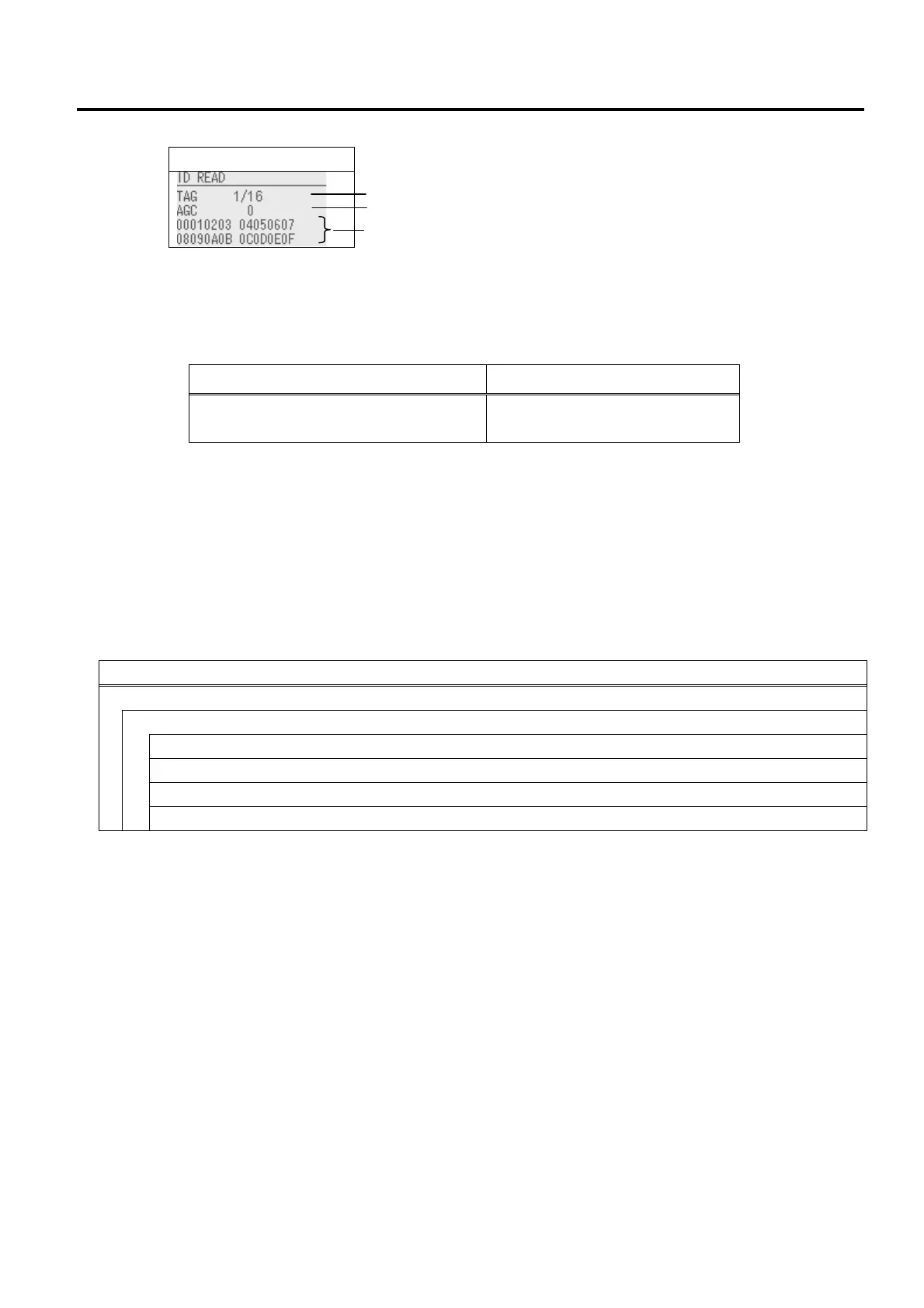
<Display example>
Display
・ The number of tag being read/The total number of tags read
(Mostly, only 1 tag is read.)
・ For the UHF module, AGC value of the read tag is displayed with decimal number.
・ Data displayed on the 3rd and 4th lines are expressed with hex. code. (16 digits x 2 lines = 32 digits)
The displayed data differs depending on the module type.
RFID module Displayed data
B-EX706-RFID-U4-R
B-EX706-RFID-U4-EU/US/AU-R
EPC code of EPC area
・ In the case of 16 bytes or more data, only the first 16 bytes are displayed. When data is less than16
bytes, the vacant digits will be filled with spaces.
・ If more than one tag is read at one time, especially when short-pitch tags are used, pressing the [UP] or
[DOWN] key shows the other tags’ data.
5.10.2 MODULE
The information related to the module setting is displayed.
The menu structure of MODLE
Menu item
<7>RFID
MODULE
MODULE TYPE
COUNTRY
TAG
RF CHANNEL
5.10.2.1 MODULE TYPE
・ NONE No RFID module is installed.
・ UHF band (U4) B-EX706-RFID-U4-R (Japan)
B-EX706-RFID-U4-EU-R (Europe)
B-EX706-RFID-U4-US-R (U.S.A)
B-EX706-RFID-U4-AU-R (Australia)
NOTE: This setting will become effective after the printer power is turned off, and back to on.
(1)
(2)
(3)



 To Next Page
 Loading...









