Smart Plus (PHT-35LHS)
Technical Manual
VT-TECH-Smart Plus-001
COPYRIGHT© 2018 VATECH.
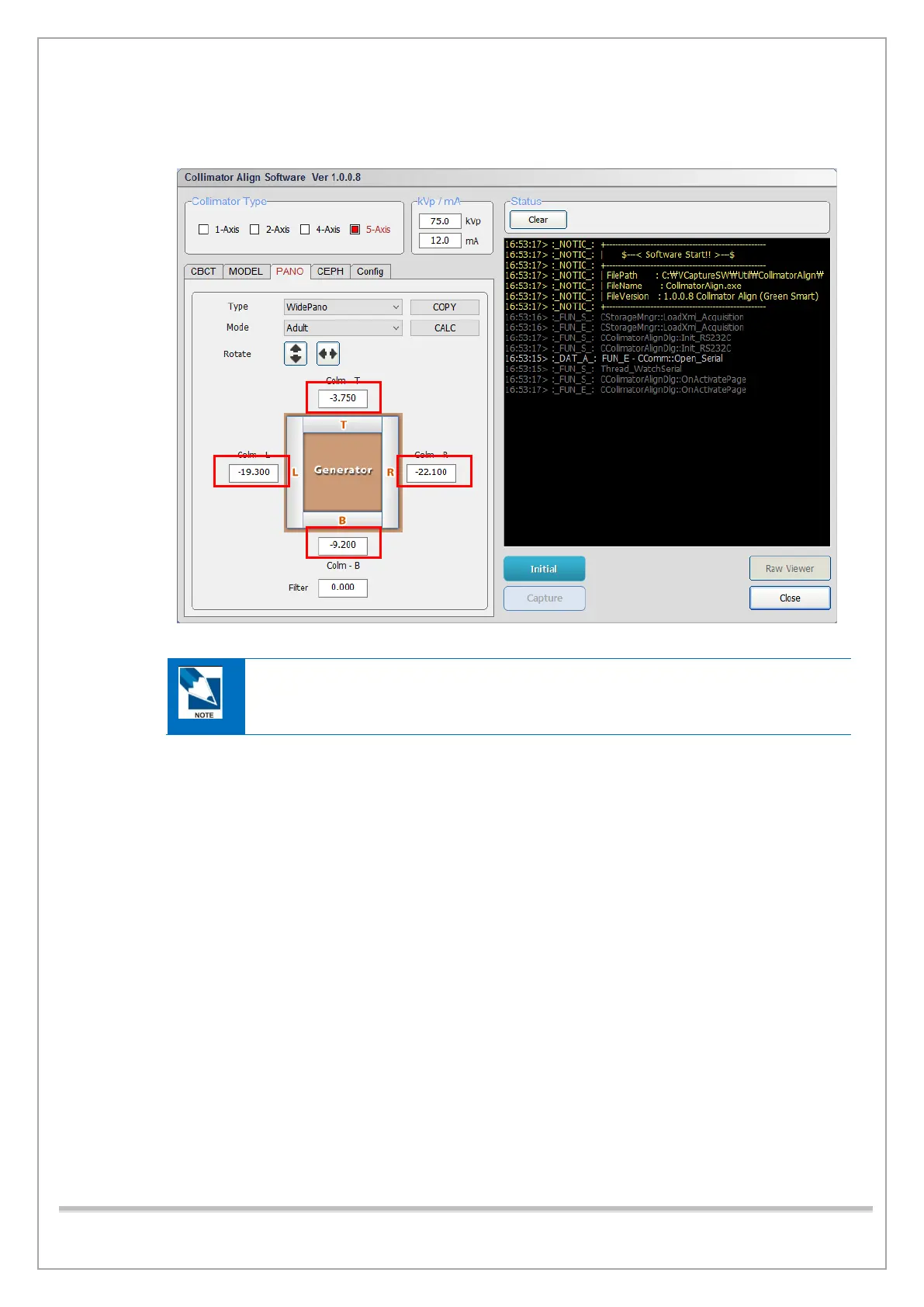
12) If the red pixel count is out of the permitted value, change the collimator position values and
click the Capture tab to save the changes.
• 0.1(mm) is approximately 3 pixels.
• To close the 4-axis collimator, decrease the collimator position values.
To open the 4-axis collimator, increase the collimator position values.
13) Repeat steps 4) through 12) until pixel counts in all positions satisfy the permitted values.
14) Click Save when you finished the PANO collimator alignment for adult mode is completed.














 To Next Page