Smart Plus (PHT-35LHS)
Technical Manual
VT-TECH-Smart Plus-001
COPYRIGHT© 2018 VATECH.
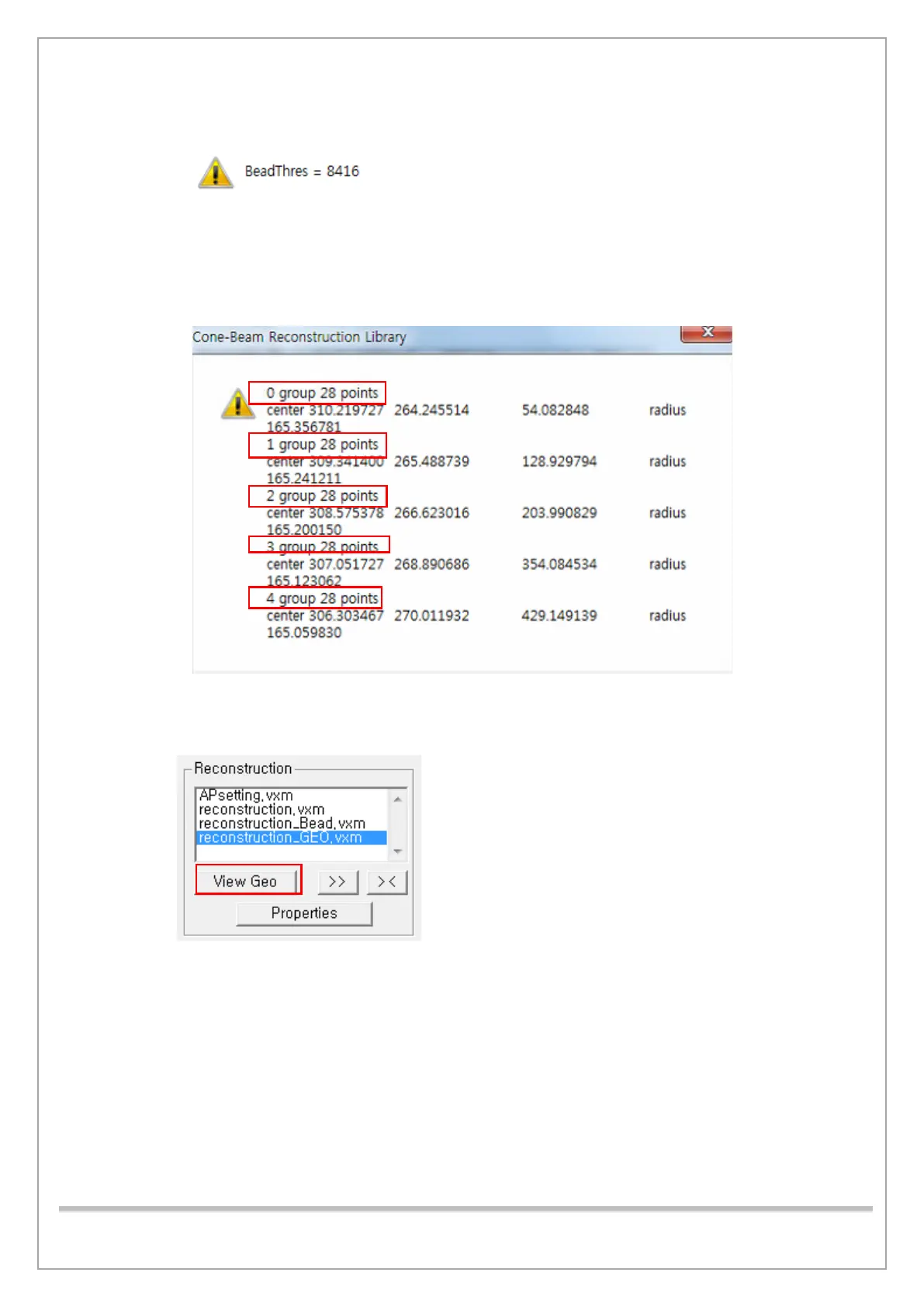
9) When the BeadThres value confirmation pop-up window appears, click OK.
10) When the window which shows current geometry information pops up, make sure the following
information is correct and click OK.
• The total number of groups is 5.
• The point number of each group is 28.
11) When the pop-up window which shows Geometry generation results appears, click OK.
12) Click View Geo to see the geometry graph.














 To Next Page