Smart Plus (PHT-35LHS)
Technical Manual
VT-TECH-Smart Plus-001
COPYRIGHT© 2018 VATECH.
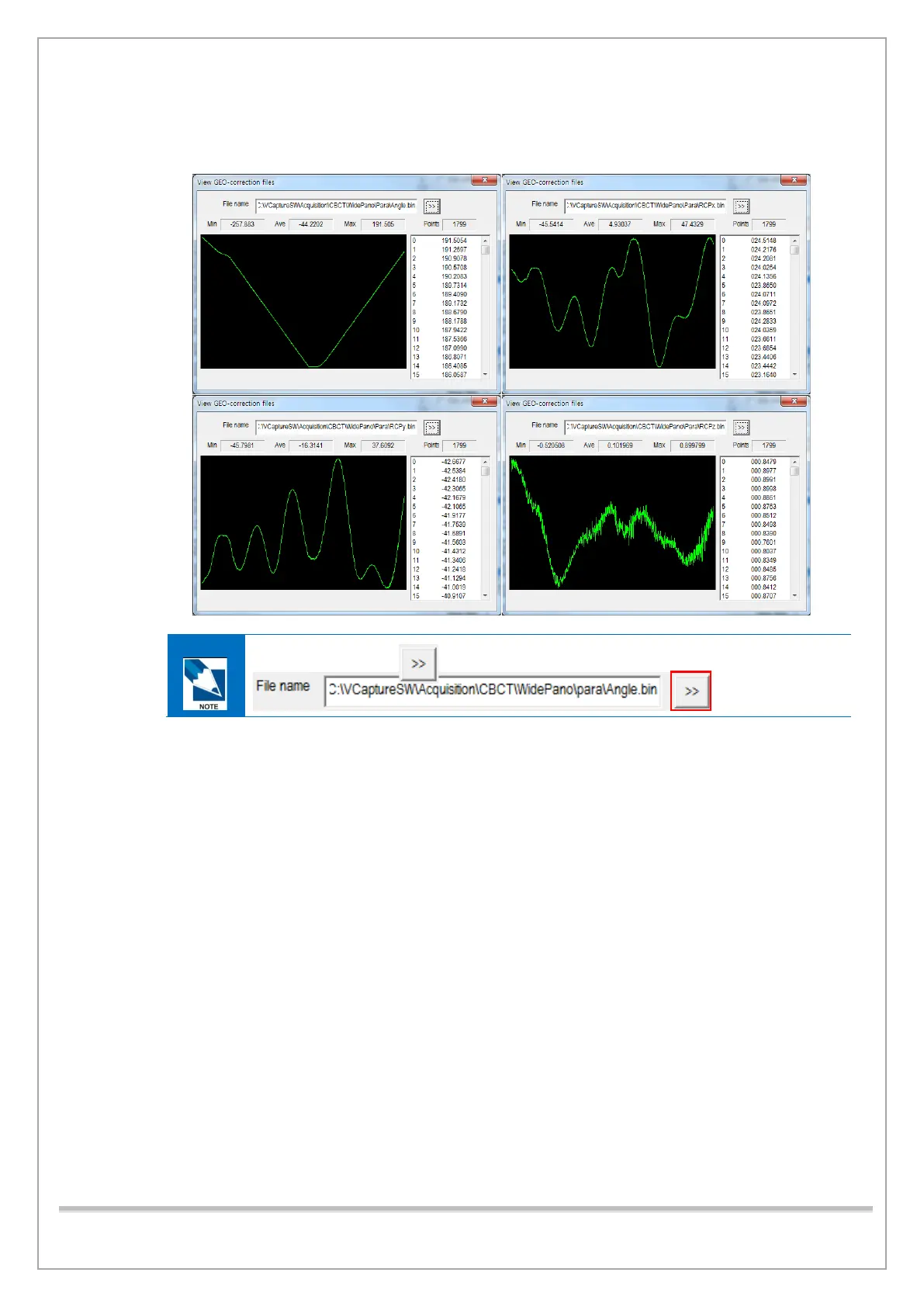
13) Make sure that the following criteria are met while examining the graphs:
• The line graphs in Angle.bin, RCPx.bin, RCPy.bin, and RCPz.bin are recognized.
To open bin files, click.
• When Geometry Calibration is completed, do the following:
① Type [SPM_TEST_0025] and click Send to recover the X-ray OFF section during
exposure.
② Change GPUMODE = 3 to GPUMODE = 4 in the APsetting.vxm and save/exit the file.














 To Next Page