Smart Plus (PHT-35LHS)
Technical Manual
VT-TECH-Smart Plus-001
COPYRIGHT© 2018 VATECH.
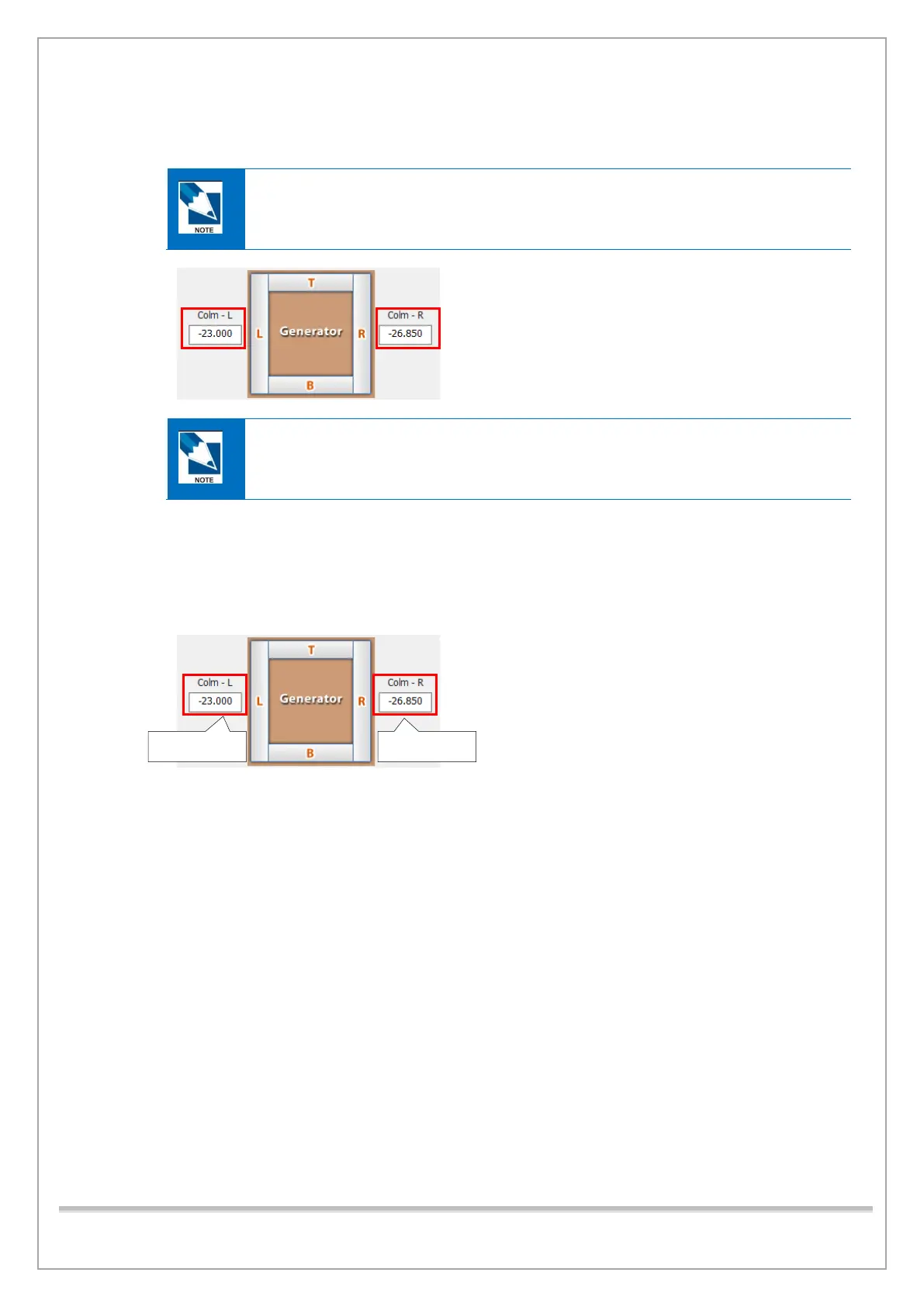
11) If the red pixel count is out of the permitted value, change the left/right collimator position
values.
The Left/Right and Top/Bottom values here and further in the manual may differ from
those seen in the below picture
• 0.1(mm) is approximately 3 pixels.
• To close the 4-axis collimator, decrease the collimator position values
To open the 4-axis collimator, increase the collimator position values.
12) Do steps 4) through 11) until the left/right red pixel count is within the permitted value.
13) When the left/right Collimator Alignment is completed, add 0.1 and capture the image again. (To
capture the image again make sure to do steps 5 thru 12). (Note: You should click the “Capture”
tab after adding the 0.1 to the collimator position value to save the changes, then continue to
step 16) below.)
14) Click Save and Close to exit the Control panel.














 To Next Page