Smart Plus (PHT-35LHS)
Technical Manual
VT-TECH-Smart Plus-001
COPYRIGHT© 2018 VATECH.
Contrast / Noise / Homogeneity Inspection
To do the Contrast / Noise / Homogeneity Inspection, M&R Check phantom and
Uniformity Check Phantom should be prepared in advance.
1) Open reconstruction.vxm(VAKCAP.exe -> Settings tab -> Double-click reconstruction.vxm).
2) Make sure that POSTPROCESSING and UseCTNumCal values are as follows:
POSTPROCESSING = 0, UseCTNumCal = 0, UseArcCut = 0
If not, change the value, save the file and exit.
Contrast/Noise/Homogeneity inspection will be done by using SLICE files.
To acquire the Phantom image in SLICE format, make sure that
POSTPROCESSING = 0, UseCTNumCal = 0, UseArcCut = 0 in the
reconstruction.vxm
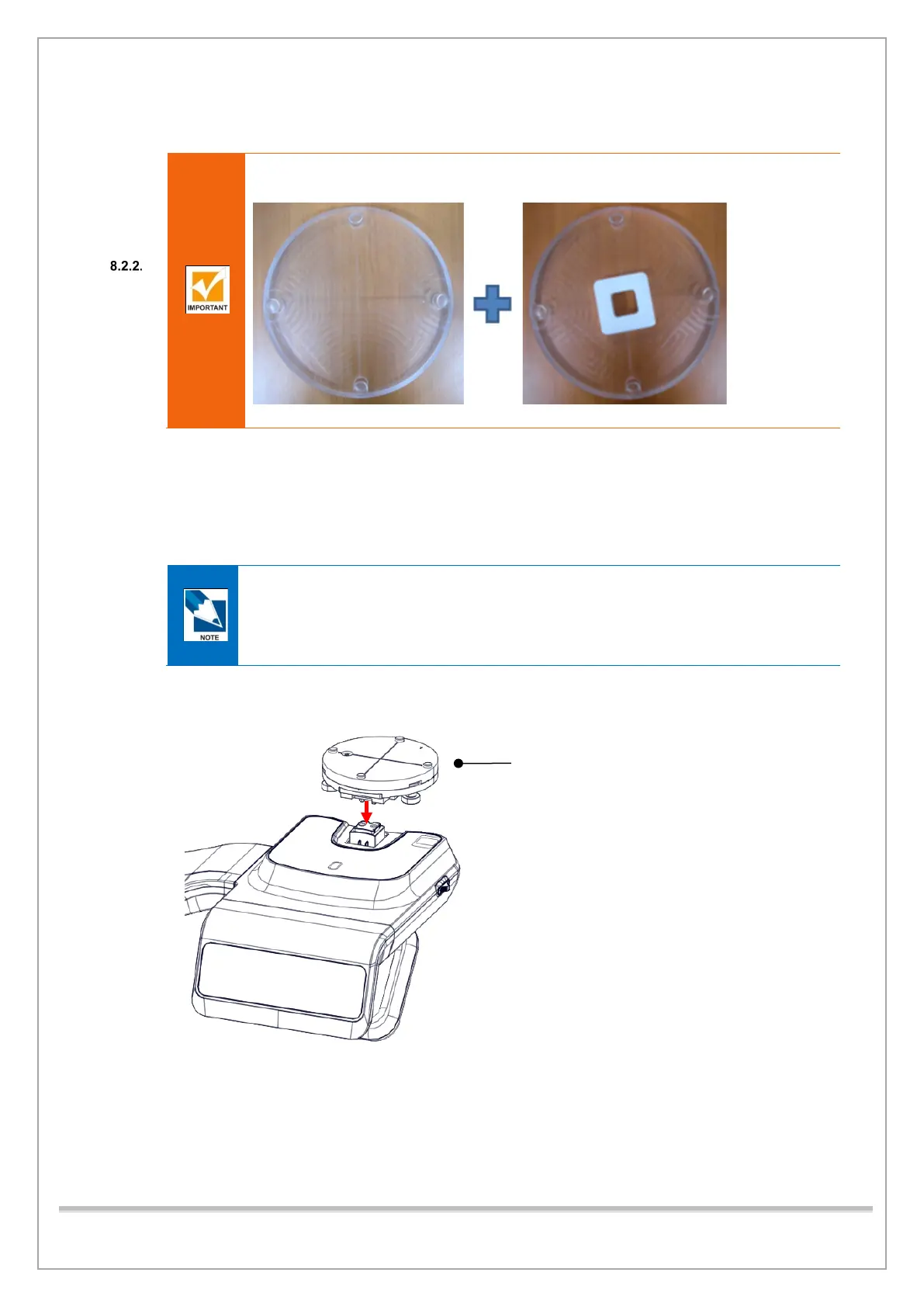
3) Put the PHANTOM JIG ASS’Y on the unit as shown below.














 To Next Page