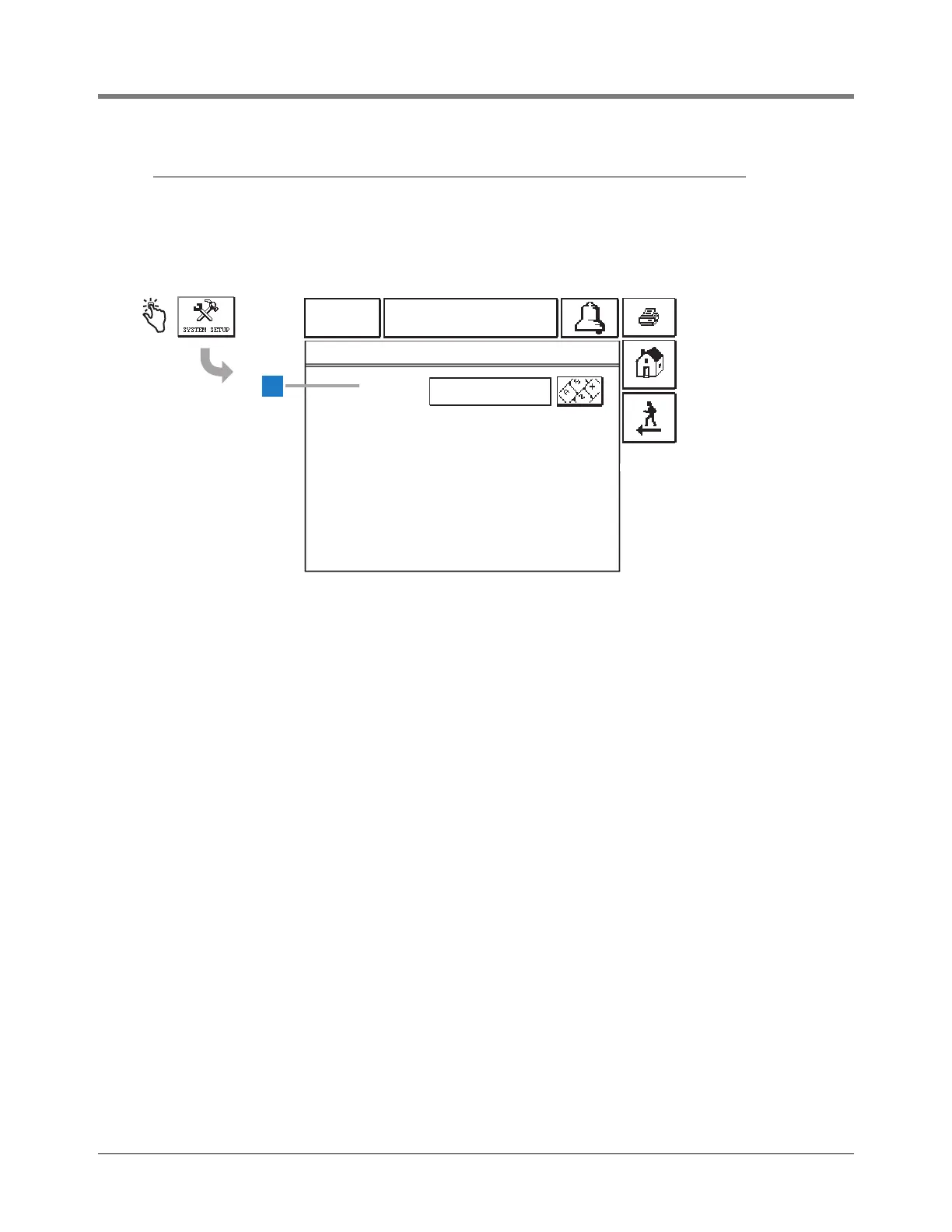
System Setup Screens [266] System Setup - Enter Password Screen
7
[266] System Setup - Enter Password Screen
If the System Security Setup - Setup Password (page 14) is enabled, you will be required to enter that password
before accessing the System Setup Screen (page 8). If the Setup Password is disabled, the System Setup - Enter
Password Screen will not display.
Legend for numbered boxes
01-01-2010
12:00 AM
ALL FUNCTIONS NORMAL
1
[266]
SYSTEM SETUP - ENTER PASSWORD
PASSWORD
1 Password [266] - To access the System Setup
Screen (page 8), you must enter the 6 to 16
character alphanumeric System Security Setup -
Setup Password.
As you enter the password, asterisks (*) will display
in place of the entered characters.
If the entered password is correct, the System Setup
Screen will display.
If the entered password is incorrect, you will be asked
to re-enter the password.



 To Next Page