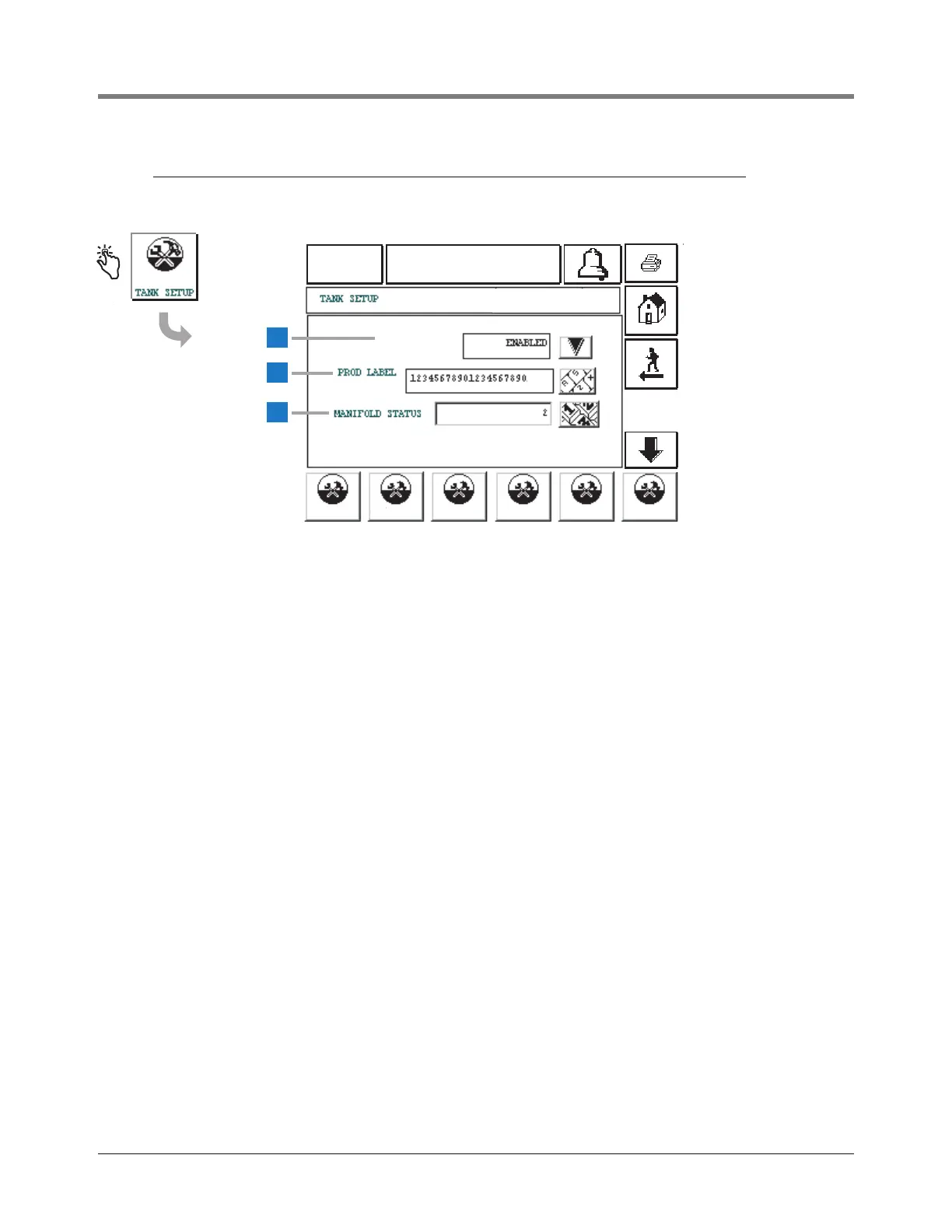
This screen accesses Tank Setup parameters.
1 Configure [119] - Touch the Down Arrow button to the right
of the window and select: Enabled or Disabled (default).
2 Prod Label [120] - Touch the Down Arrow button to the
right of the window and enter up to a 20 character label.
Only numerals from 0 - 9 and Roman alphabet characters
can be entered.
3 Manifold Status [121] - Touch the Keypad button to the
right of the window. Enter the number(s) of the tanks to
which this tank is manifolded. You must enter a comma
between tank numbers if more than one tank is entered.
Tank Setup parameters continue on next page.



 To Next Page