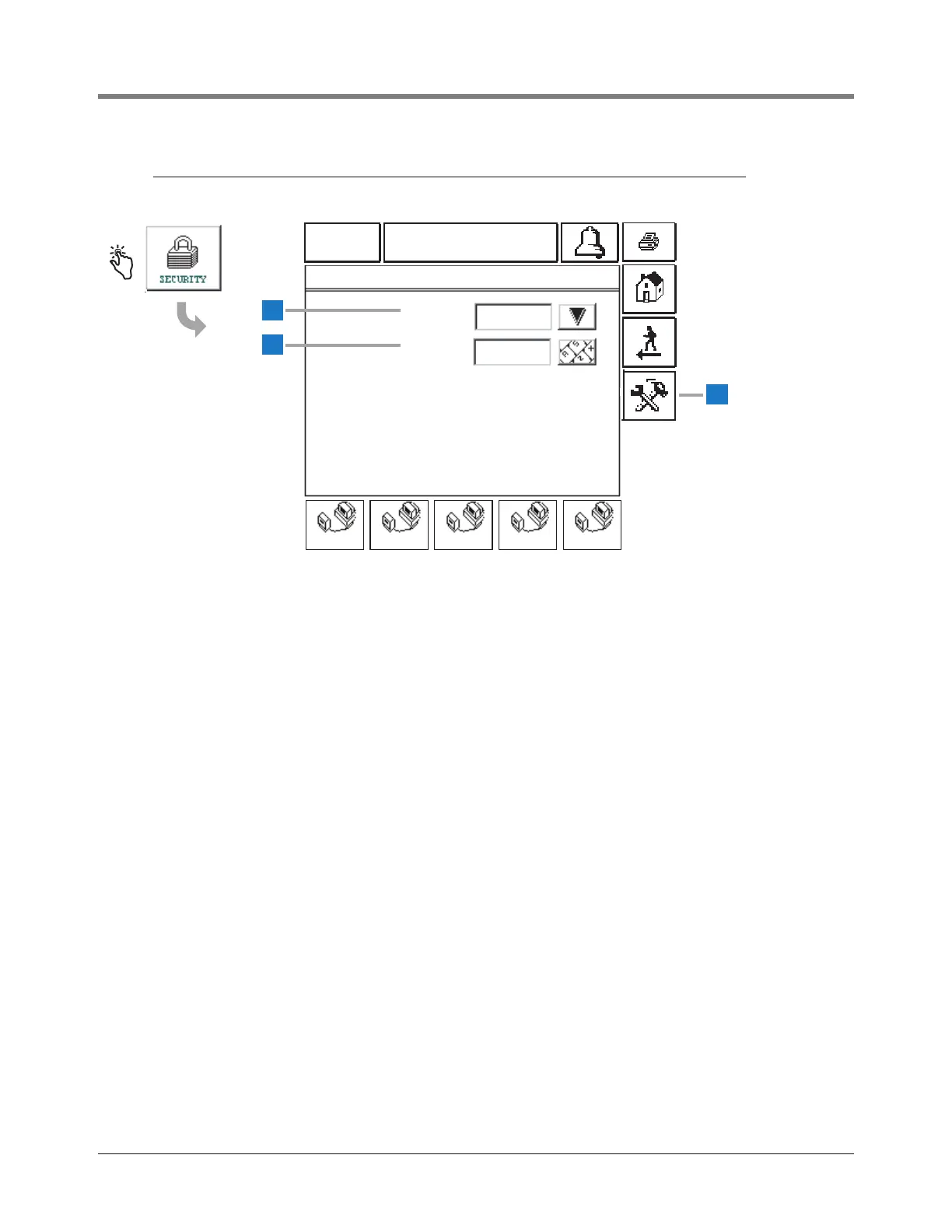
1 Security [208] - Select Security Enabled or Disabled
for the selected COMM port (default is Disabled). If
COMM port 1 is setup for a printer, the security code
requirement is ignored.
2 Password [209 - Enter a six-digit alphanumeric
password for the selected COMM port (default is
000000).
3 Touch to open the System Setup Security - Setup
Password Screen (see page 14). Entering a Setup
Password will require that you enter this password
prior to accessing System Setup (page 7) and Tank
Setup (page 46) screens .



 To Next Page