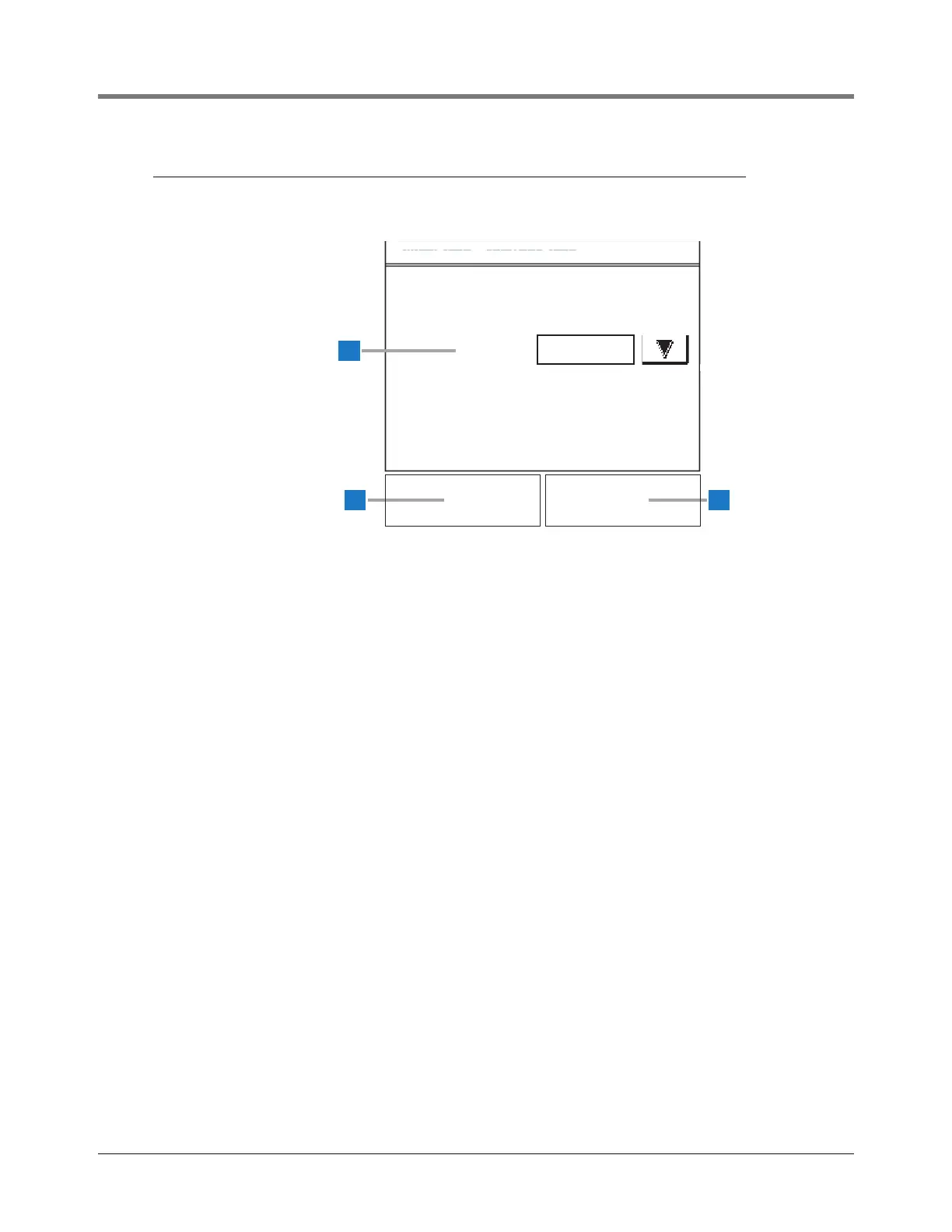
Data Entry screens are similar and display when you touch
the arrow next to a setup parameter. In this example, Comm
Type offers multiple options, so you touch the arrow button
to select an option.
1 Comm Type [238] - touch the Down Arrow button to
the right of the window and to select a different Comm
Type for the following COMM Ports:
• COMM 1 selections - None, Serial, Modem, Printer
• COMM 2 selections - None, Serial
• COMM 3 selections - None, Serial
2 Save button - touch to save your Comm Type selection
and return to the appropriate Comm Setup page.
3 Cancel button - touch to cancel your change and return
to the appropriate Comm Setup page.



 To Next Page