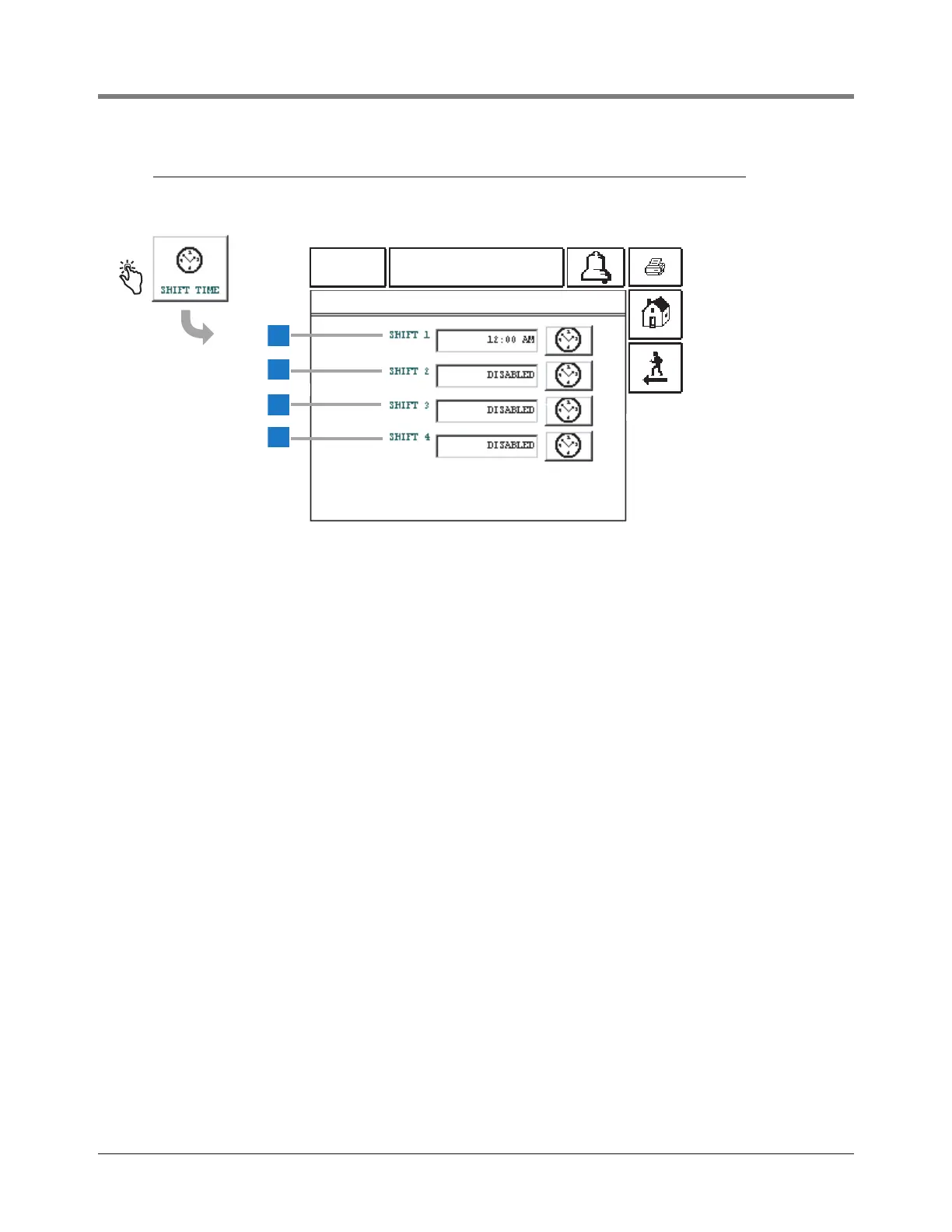
At each shift start time selected below, the system
automatically saves a complete inventory report in memory.
The default setting is disabled for all shifts.
NOTE: At least one shift start time must be entered to
activate the “Last Shift Inventory” feature.
1 Shift 1 [215] - touch the time button to the right of the
window and enter the Shift 1 start time and AM or PM.
2 Shift 2 [216] - touch the time button to the right of the
window and enter the Shift 2 start time and AM or PM.
3 Shift 3 [217] - touch the time button to the right of the
window and enter the Shift 3 start time and AM or PM.
4 Shift 4 [218] - touch the time button to the right of the
window and enter the Shift 4 start time and AM or PM.



 To Next Page