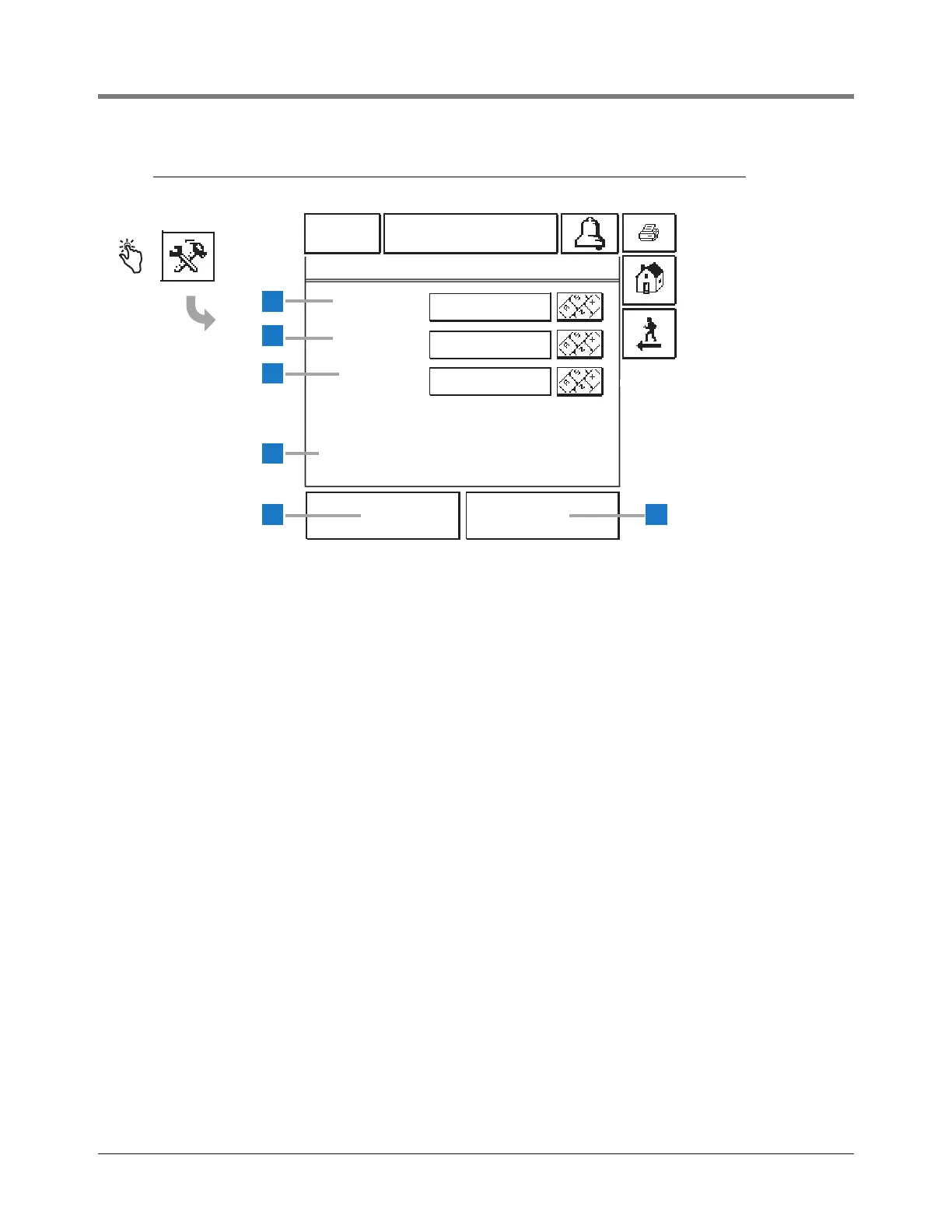
A current (old) password will display as all asterisks (*).
Also, as you enter a new password, each character will
display as an asterisk.
Passwords are not case sensitive.
Once you OK the Setup Password, you will be required
to enter this password before accessing System Setups
(page 7) and Tank Setups (page 46).
1 Old Password [263] - If you want to change the
current password, enter that 6 to 16 character
alphanumeric password.
2 New Password [264] - Enter your new 6 to 16
character alphanumeric password.
3 Confirm New [265] - You must re-enter the new 6 to
16 character alphanumeric password.
4 PASSWORD DISABLED - This message displays
when the system setup password is disabled.
5 OK button - touch the OK button to accept the new
password and close the screen
6 Cancel button - touch the Cancel button to abort and
close the screen.



 To Next Page