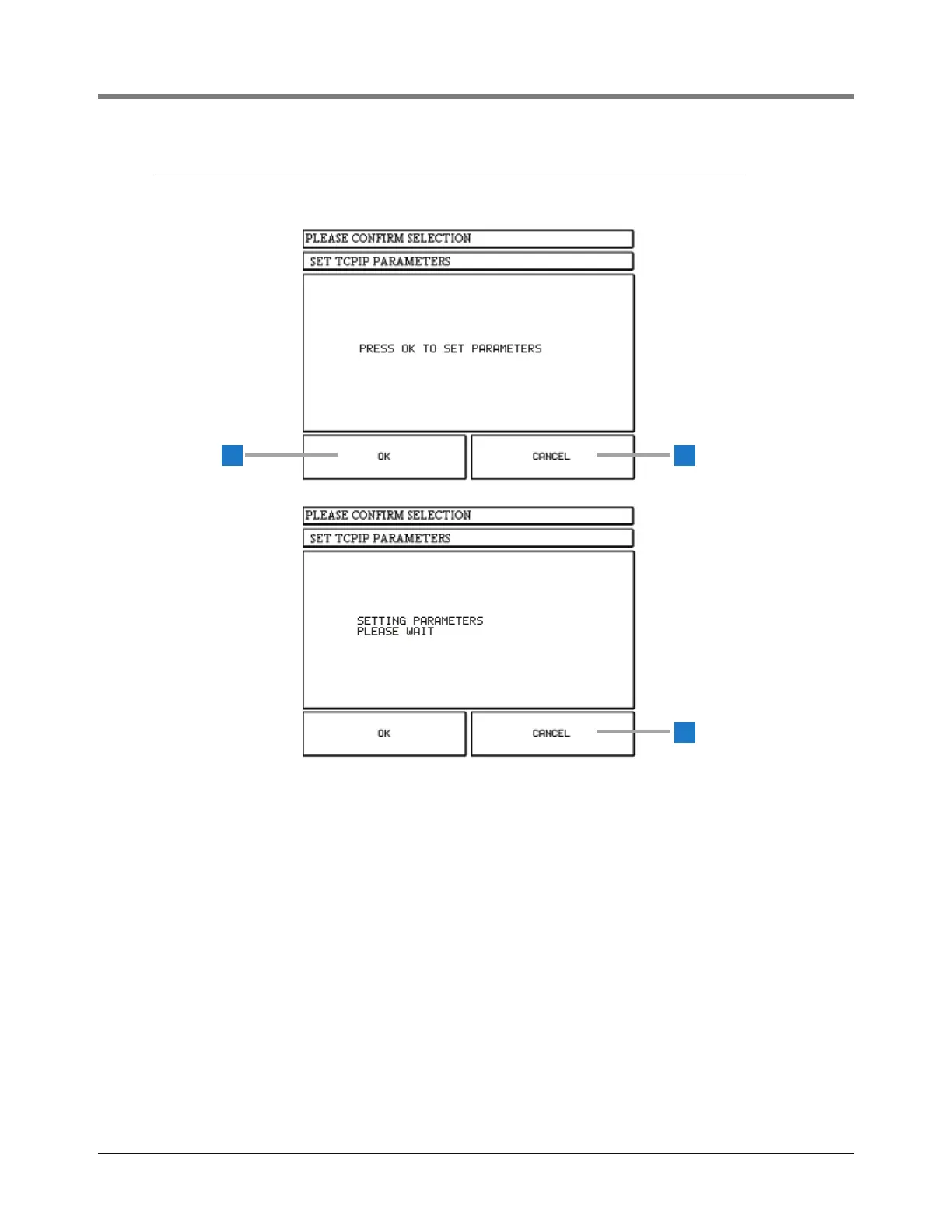
The Set TCPIP Parameters dialog box (upper screen)
displays when you touch the SET button on the TCPIP
setup screen (see page 28).
1 OK button - touch to have the TLS2P save the TCPIP
parameters (280 - 283) to the Lantronix server.
The lower screen displays while the TLS2P is updating
the TCPIP parameters to the Lanotronix server. The
updated values will appear in the TCPIP setup screen.
2 Cancel button - touch to cancel the TCPIP Set
parameters request and return to the TCPIP setup
screen.



 To Next Page