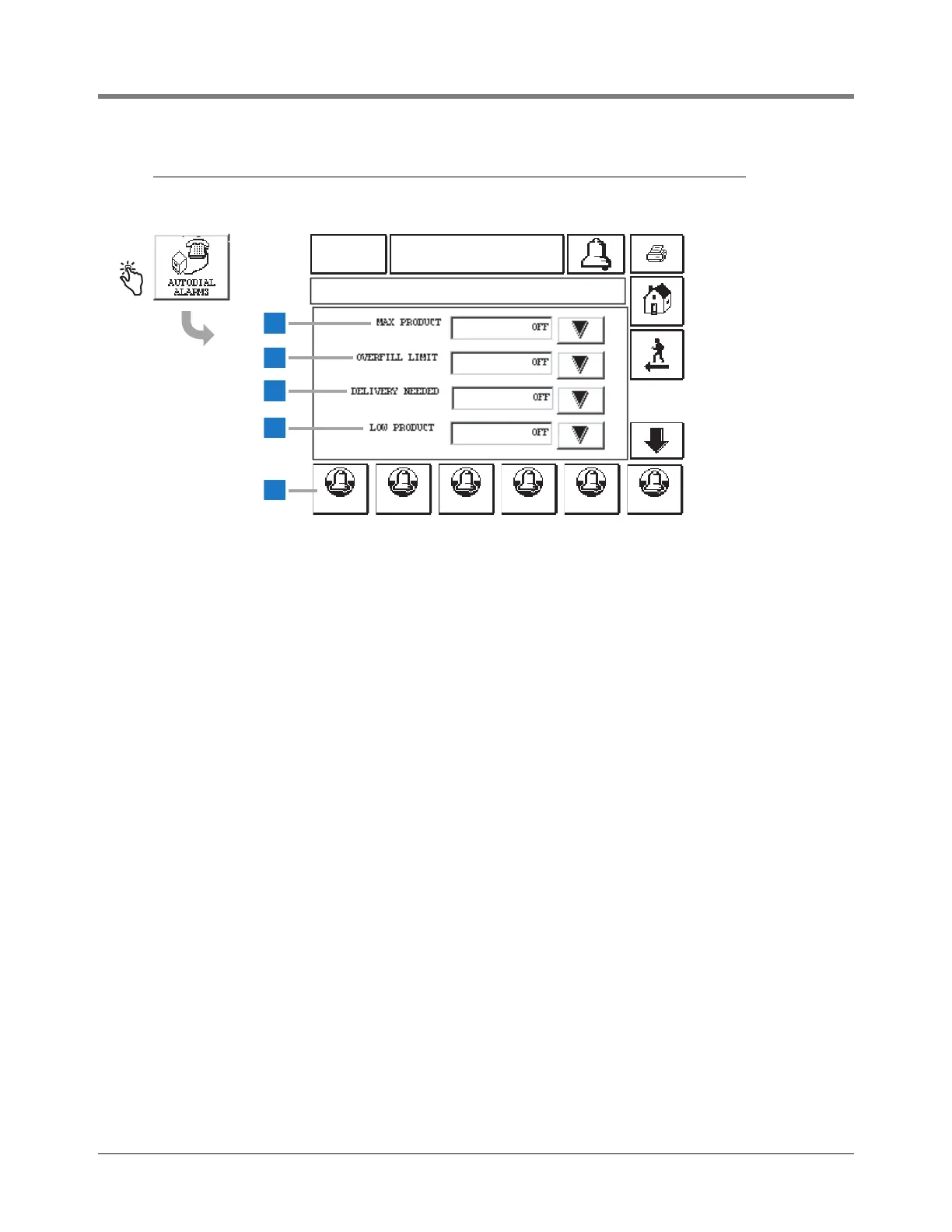
This feature lets you program the system to dial out on the
following alarm conditions.
Note: Autodial alarms continue on next two pages.
1 Max Product [227] - touch the Down Arrow button to
select On (dial out) or Off (do not dial out).
2 Overfill Limit [228] - touch the Down Arrow button to
select On or Off.
3 Delivery Needed [229] - touch the Down Arrow button
to select On or Off.
4 Low Product [230] - touch the Down Arrow button to
select On or Off.
5 Touch the Autodial Alarm button for the tank you wish to
setup and select the desired alarms in Autodial Alarms
screens 1-3. You must repeat this process for each
tank.



 To Next Page