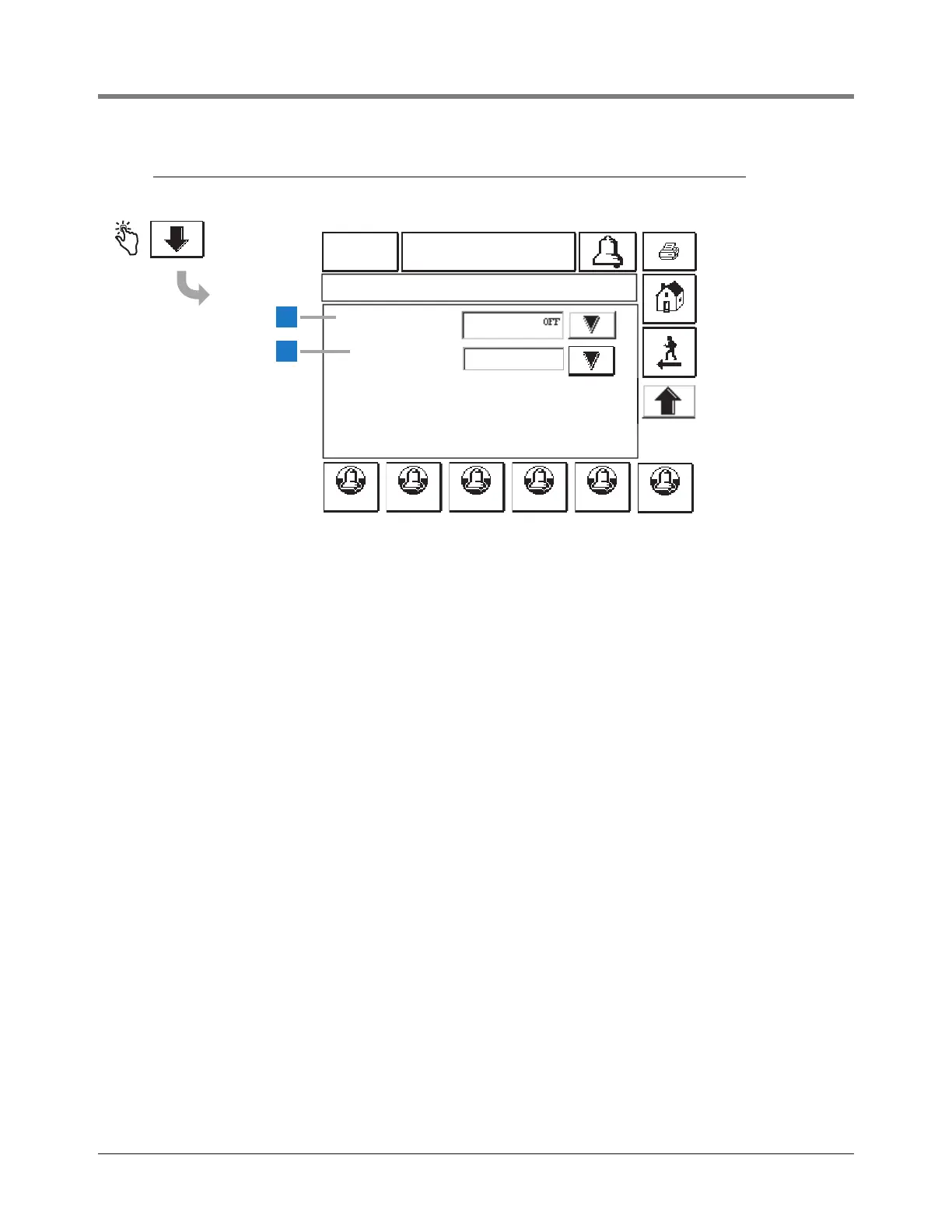
This screen concludes Autodial Alarms Setup.
1 Shift Close Event [550] - touch the Down Arrow
button to select On or Off .
2 Density Warning [551] - touch the Down Arrow button
to select On or Off . When set to On, you will be able
set up a tank density low limit and tank density high limit
from the touch panel as well as from RS-232
commands. If the tank density is less than the tank
density low limit or greater than the tank density high
limit then a DENSITY WARNING will be posted for that
tank.



 To Next Page