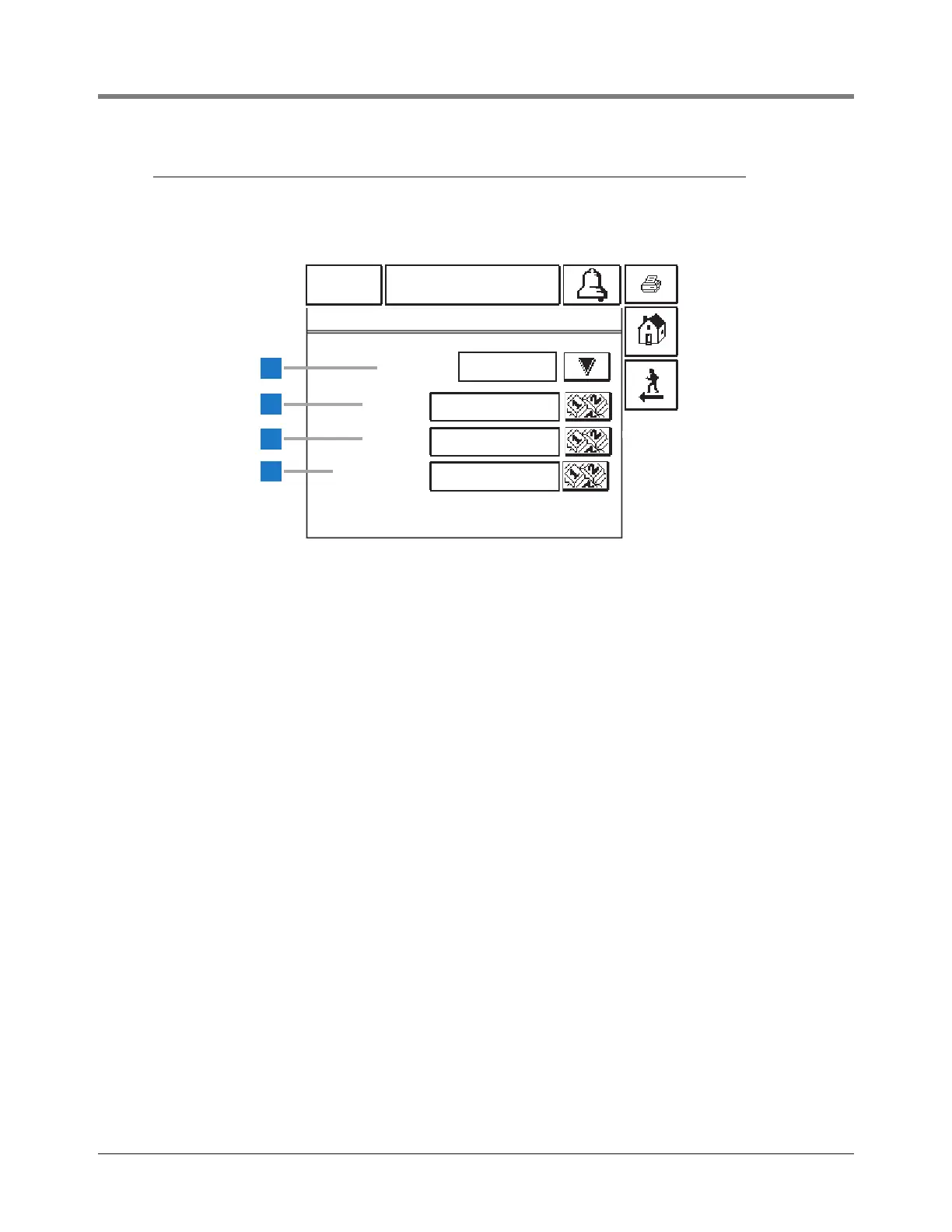
1 Dial Type [270] - Modem
2 Phone [224] - touch the Numeric button to the right of
the window and enter one phone number to which you
want the system to dial.
3 Retries [225] - touch the Numeric button to the right of
the window and enter the number of times (1-99) you
want the system to redial the phone number if there is a
busy signal, no answer or an incomplete connection
(default is 3 retries).
4 Retry Delay [225] - touch the Numeric button to the
right of the window and enter the number of minutes (1-
99) you want the console to delay before redialing the
phone number if there is a busy signal, no answer or an
incomplete connection (default is 3 minutes).



 To Next Page