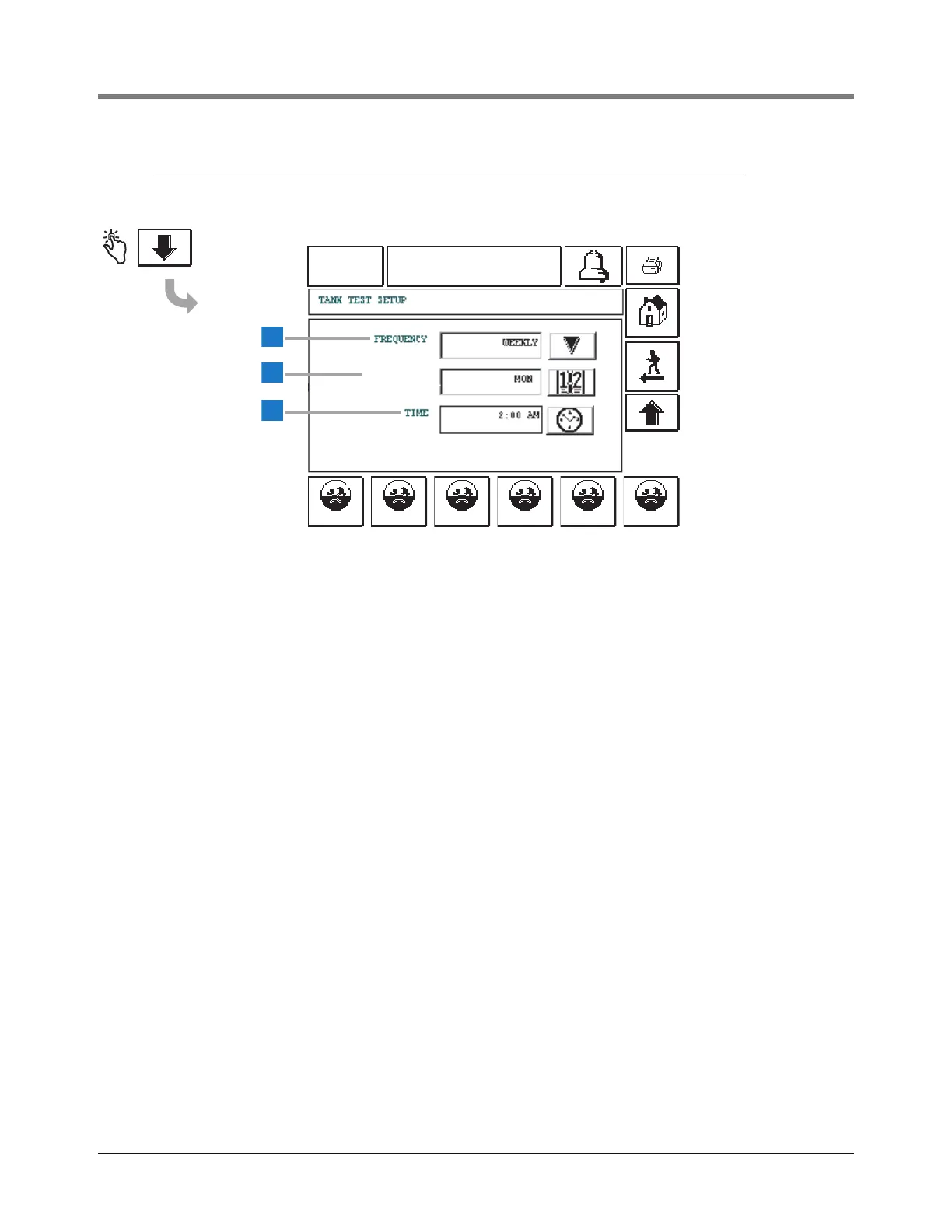
This screen concludes Tank Leak Test Setup.
1 Frequency [116] - You can choose from several Tank Leak
Test frequency options:
•On Date
• Annually
•Monthly
• Weekly
•Daily
Touch the Down Arrow button to the right of the window
and enter the desired choice.
2 Date/Day [117] - Touch the Date button to enter the day,
month, and year on which to run the test.
3 Time [118] - Touch the Time button to enter the Time of
Day for the leak test.



 To Next Page