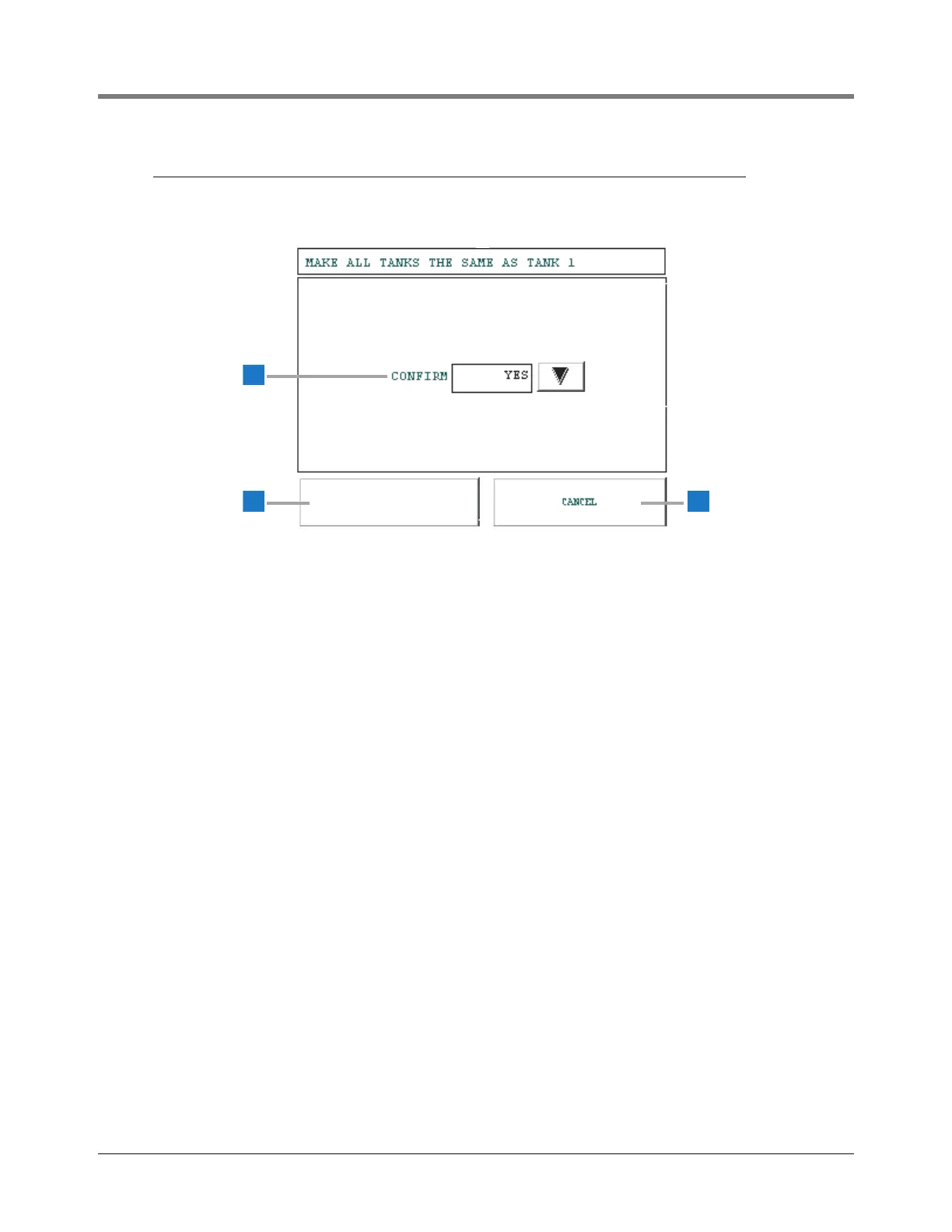
This screen appears if you touch the SAME ALL TANKS
button on the Tank Leak Test Setup screens.
1 Confirm [115] - Select Yes to transfer the Tank 1 setup
selections on the Tank Leak Test Setup screens to all
configured tanks in the system. Select No not to transfer
the Tank 1 setup to all tanks. Default is No. If necessary,
touch the arrow button on the right of the window and
change the entry.
2 Save button - Touch this button to save your selection and
return to the Tank Leak Test Setup screen.
3 Cancel button - Touch this button to cancel your choice
and return to the Tank Leak Test Setup screen.



 To Next Page