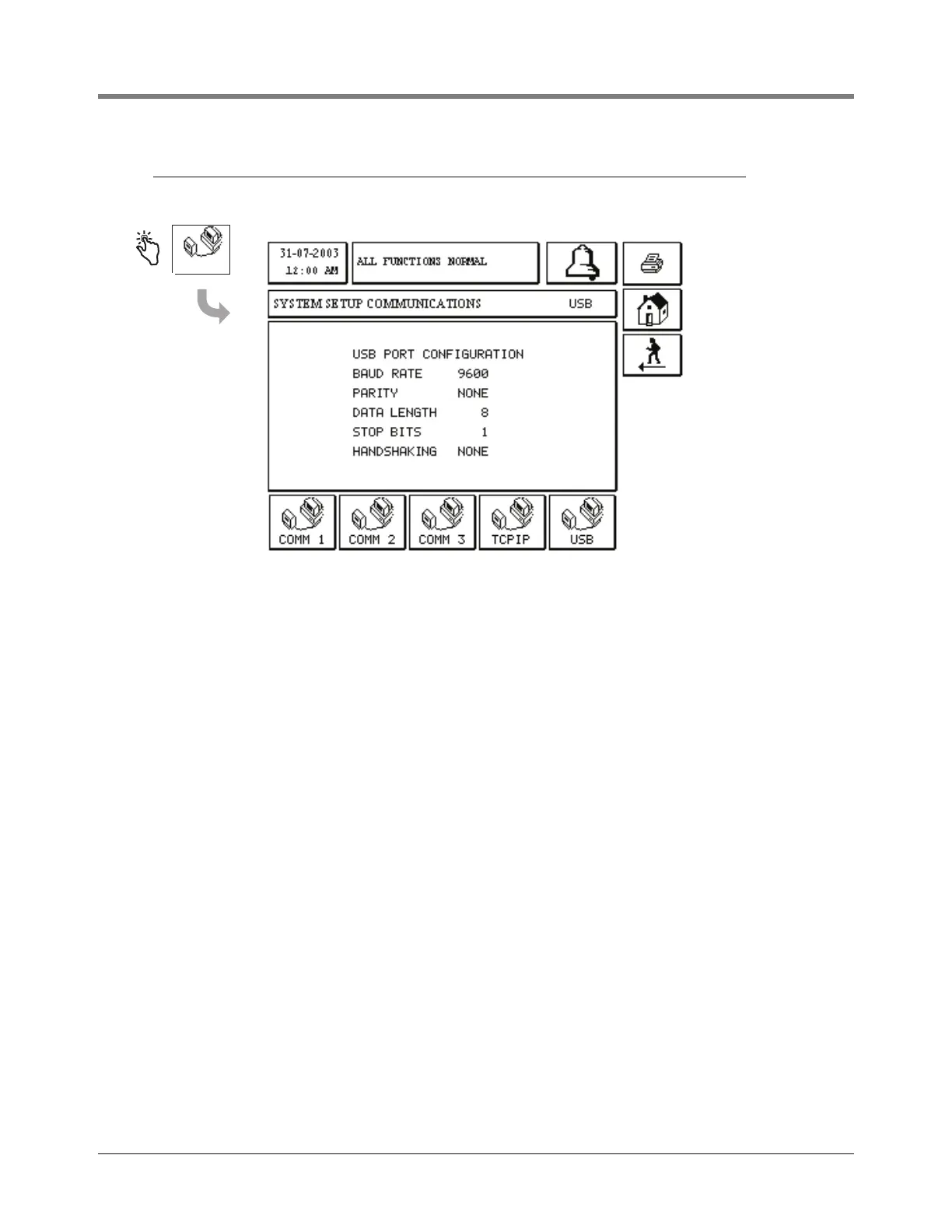
Touching the USB comm button displays the USB port
parameter data. The parameters in this display are read only
and are not programmable.
To communicate through the USB port on the console you
will need a standard USB printer cable as well as a USB
driver for your computer or laptop for the interface to the
console. The driver that is needed on your PC is the VCP
(Virtual COMM Port) driver for the CP210X and it can be
downloaded from the www.silabs.com web site. Right after
downloading the file, double click on the file and follow the
instructions as they appear.



 To Next Page