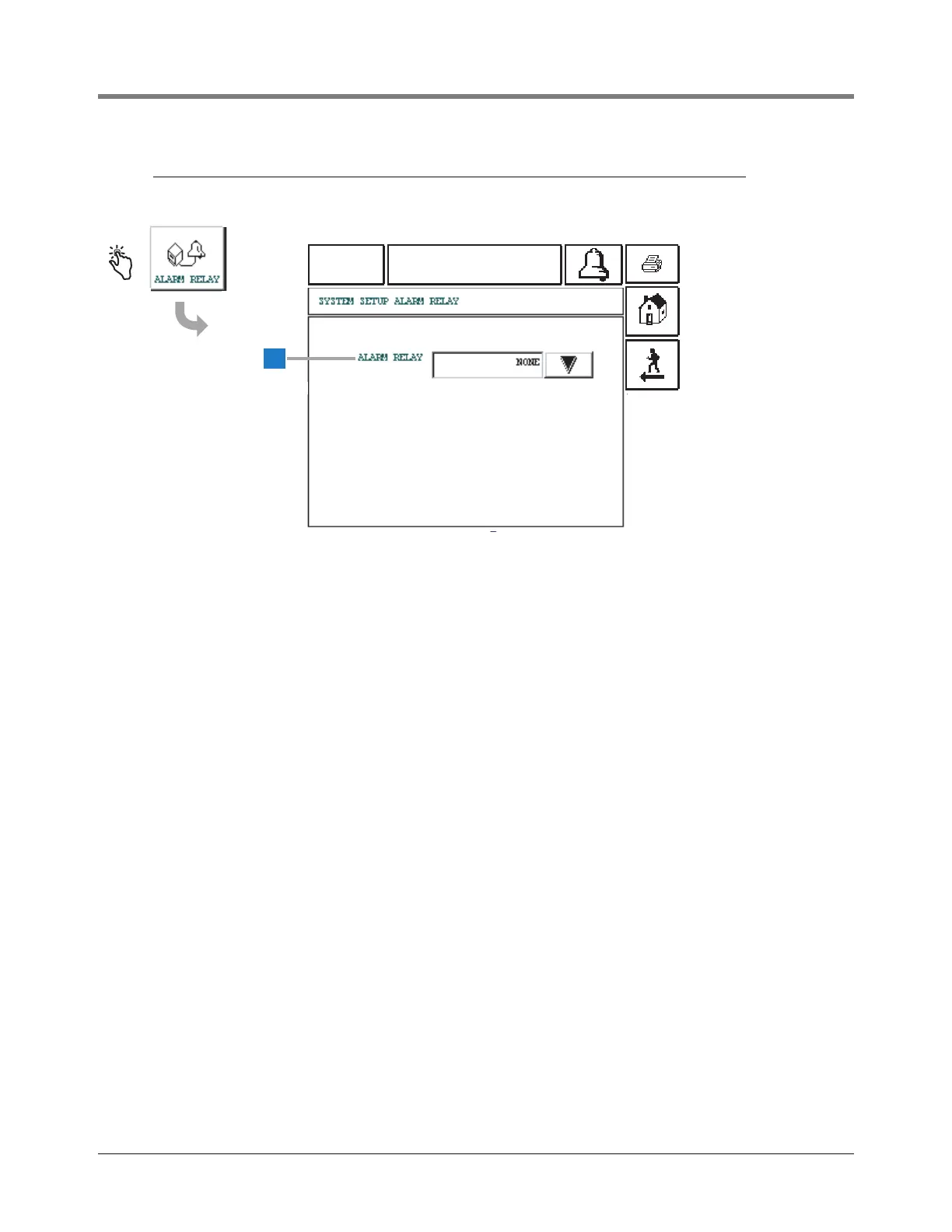
This screen allows you to select the mode of activation for
the remote beeper relay.
1 Alarm Relay [256] - touch the Down Arrow button to
the right of the window and select: None (default),
Overfill, or All Alarms.
• If Overfill is selected, an overfill condition on any tank
will activate the Alarm Relay.
• If All Alarms is selected, any alarm going active will
activate the Alarm Relay.
• If None is selected, the relay will not be activated.
• Touching the Alarm Acknowledgement button will
deenergize the Alarm Relay.



 To Next Page