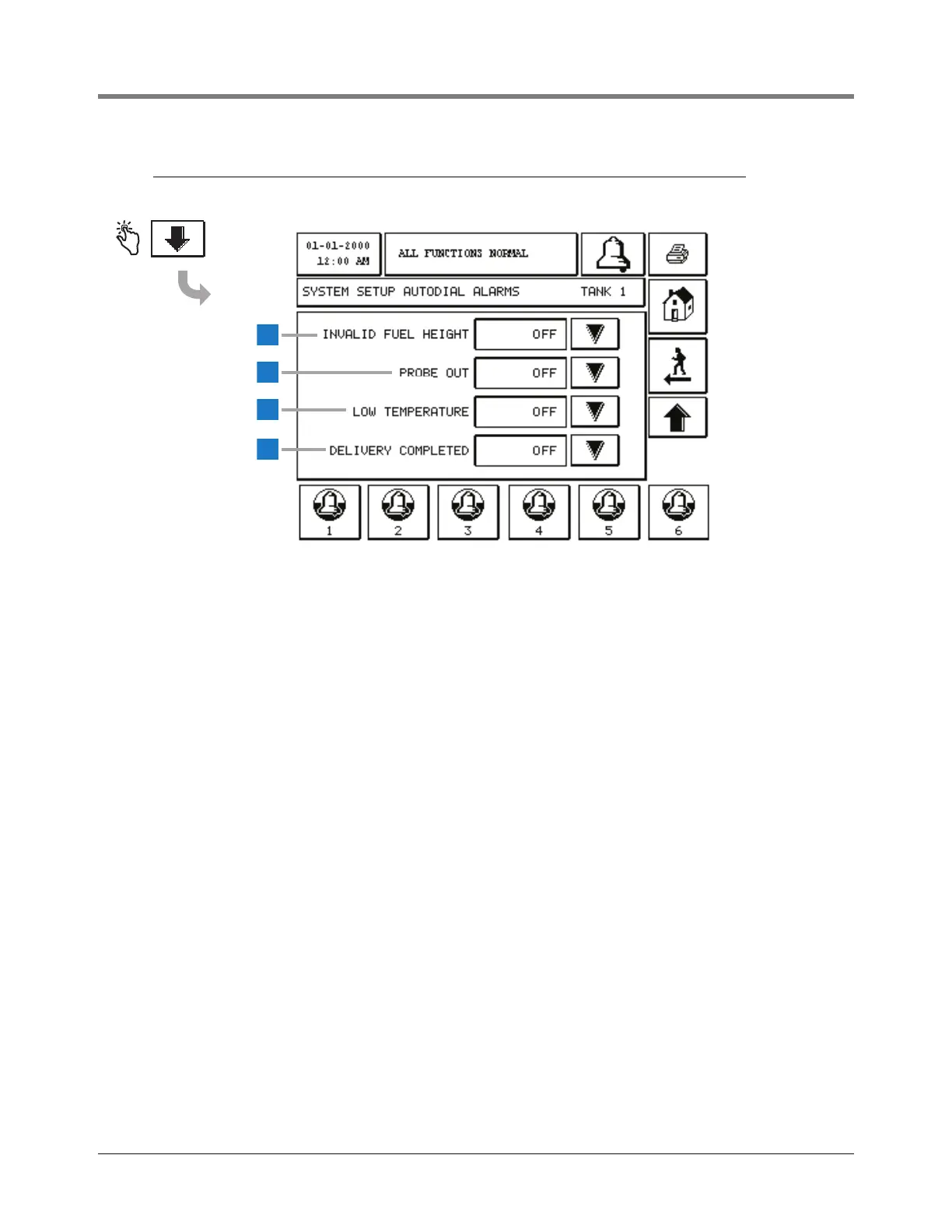
This screen continues Autodial Alarms Setup.
1 Invalid Fuel Height [235] - touch the Down Arrow
button to select On (dial out) or Off (do not dial out).
2 Probe Out [236] - touch the Down Arrow button to
select On or Off.
3 Low Temperature [237] - touch the Down Arrow button
to select On or Off.
4 Delivery Completed [320] - touch the Down Arrow
button to select On or Off. Note, this event will only be
used to dial out/email on the completion of a delivery.
This event is not an alarm and will not display or go into
alarm histories.



 To Next Page