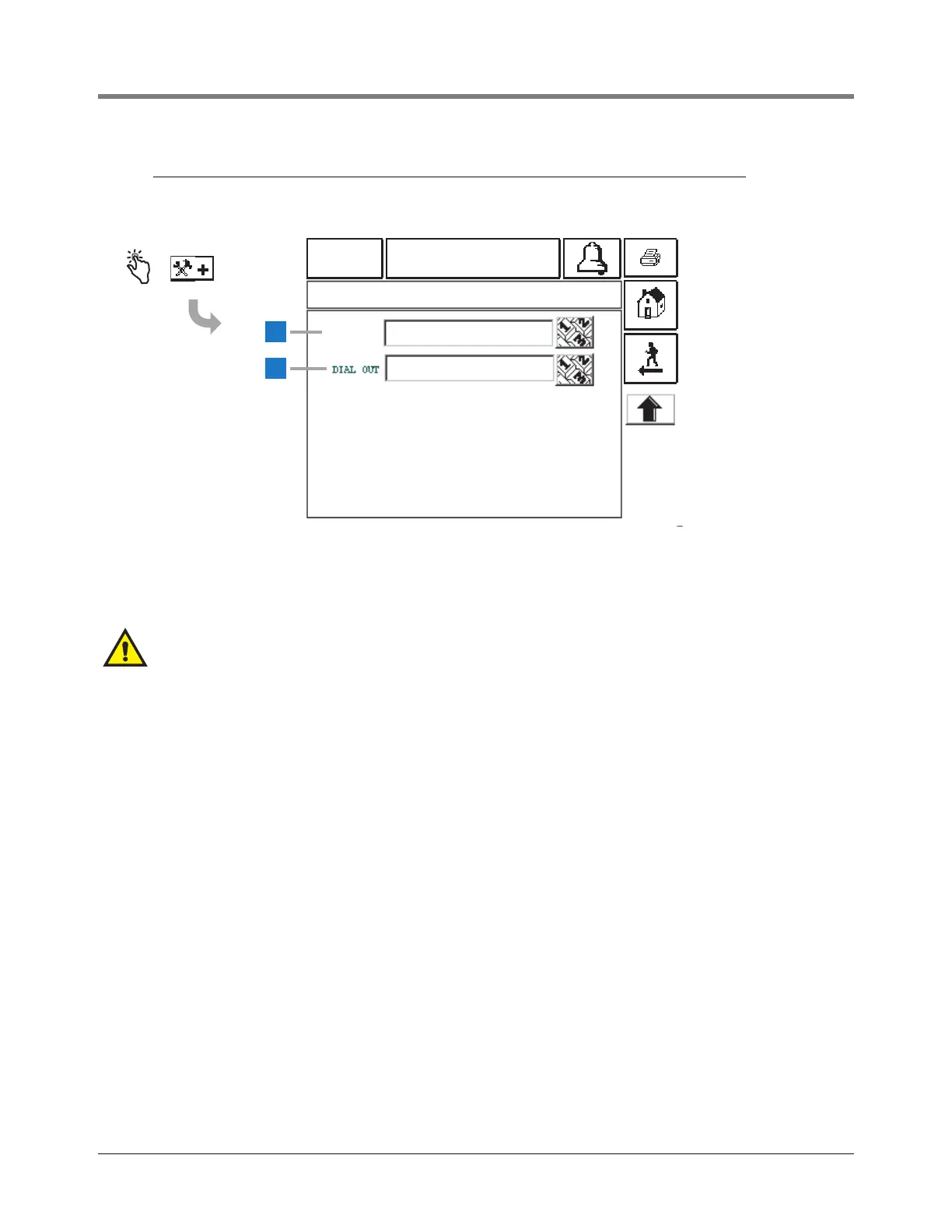
System Setup Screens [247-248] Modem Advanced Communications Setup Screen
26
[247-248] Modem Advanced Communications Setup Screen
Legend for numbered boxes
01-01-2000
12:00 AM
ALL FUNCTIONS NORMAL
2
1
SYSTEM SETUP COMMUNICATIONS COMM 1
[247]
[248]
DIAL IN
AT&B1
AT&B1
CAUTION!
Entering the wrong number strings in this screen
may disable the modem.
1 Dial In [247] - touch the Numeric Keypad button and
enter the auto-answer user configuration string (default
is empty).
2 Dial Out [248] - touch the Down Arrow button to the
right of the window and enter the autodial user
configuration string (default is empty).



 To Next Page