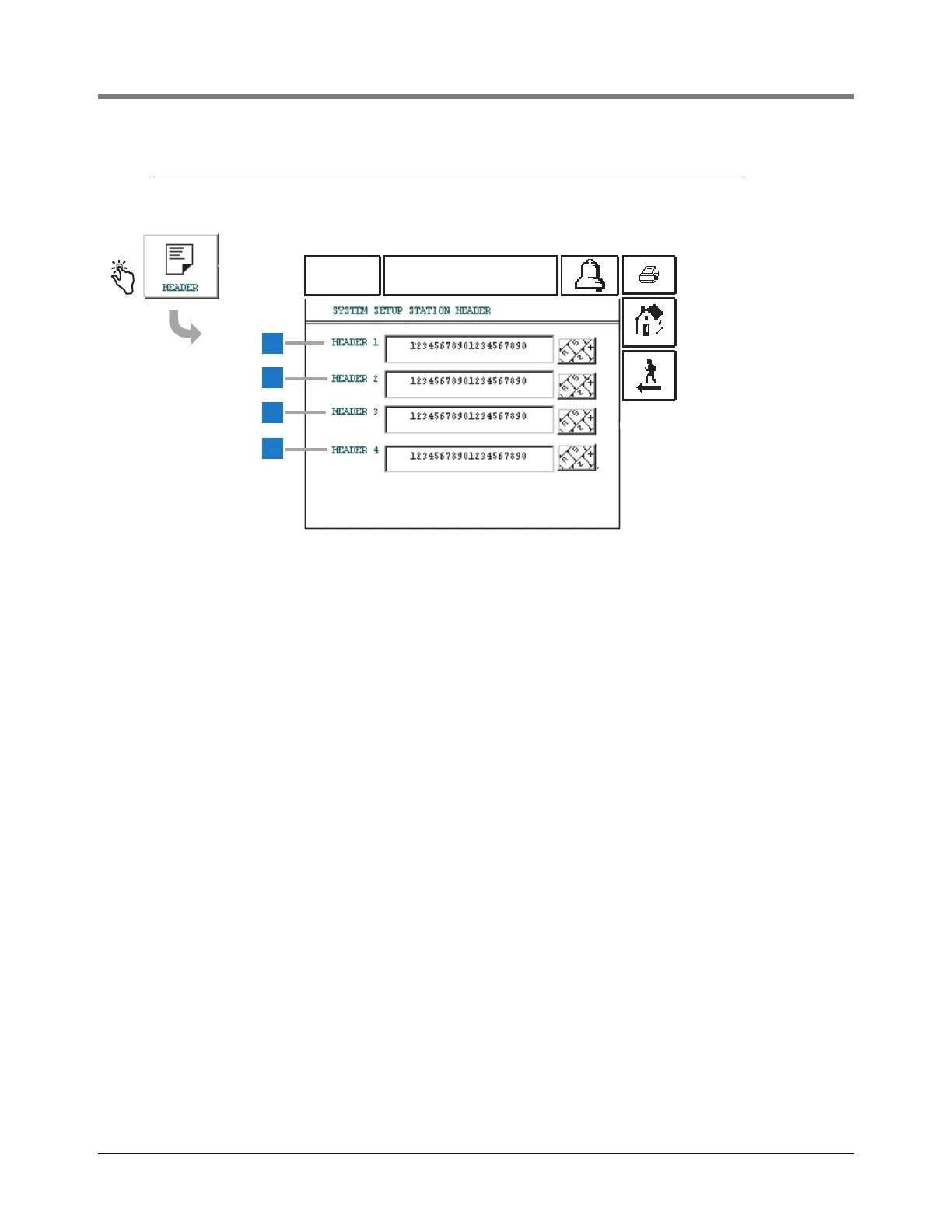
1 Header Line 1 [204] - Enter first line of Report header.
The entry can be alphanumeric and up to 20 characters.
Only numbers and the Roman alphabet are supported.
2 Header Line 2 [205] - Enter second line of Report
header. The entry can be alphanumeric and up to 20
characters. Only numbers and the Roman alphabet are
supported.
3 Header Line 3 [206] - Enter third line of Report header.
The entry can be alphanumeric and up to 20
characters.Only numbers and the Roman alphabet are
supported.
4 Header Line 4 [207] - Enter fourth line of Report
header. The entry can be alphanumeric and up to 20
characters. Only numbers and the Roman alphabet are
supported.



 To Next Page