The Main Menu
114
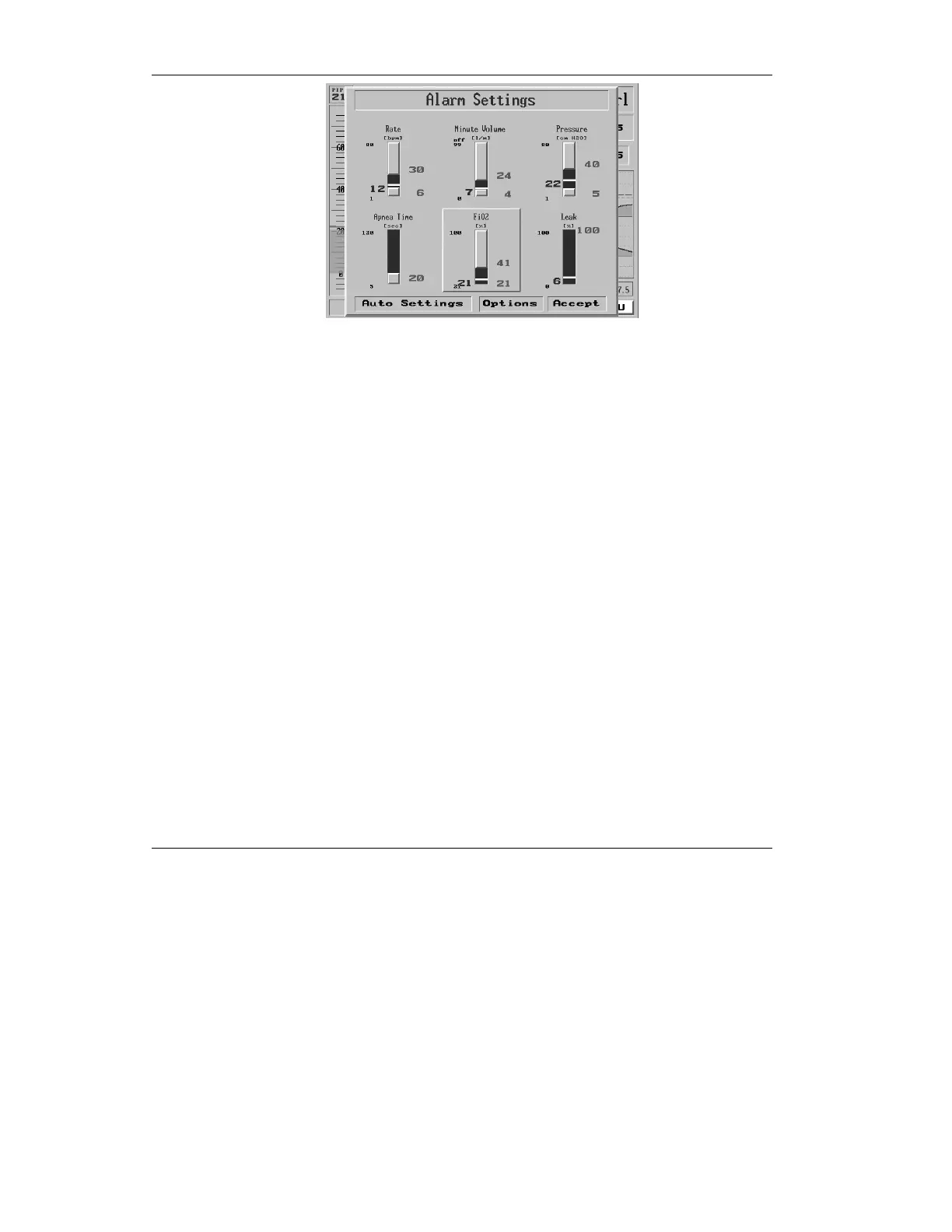
Figure 4.9 The FiO
2
alarm slider highlighted
4. To change the FiO
2
alarm, press
the control knob.
5. The top of the slider is
highlighted bright blue. Turn
the dial to adjust the alarm rate
for the UPPER FiO
2
percentage
limit, from 21% to 100%, up or
down. Notice if you attempt to
adjust the upper limit of the
alarm below the currently-
selected lower limit, you will
push the lower limit down.
6. When you have selected the
desired upper FiO
2
limit, press
the control knob to confirm
your selection.



 To Next Page