The Main Menu
116
4.2.1.6 Setting the Leak Alarm
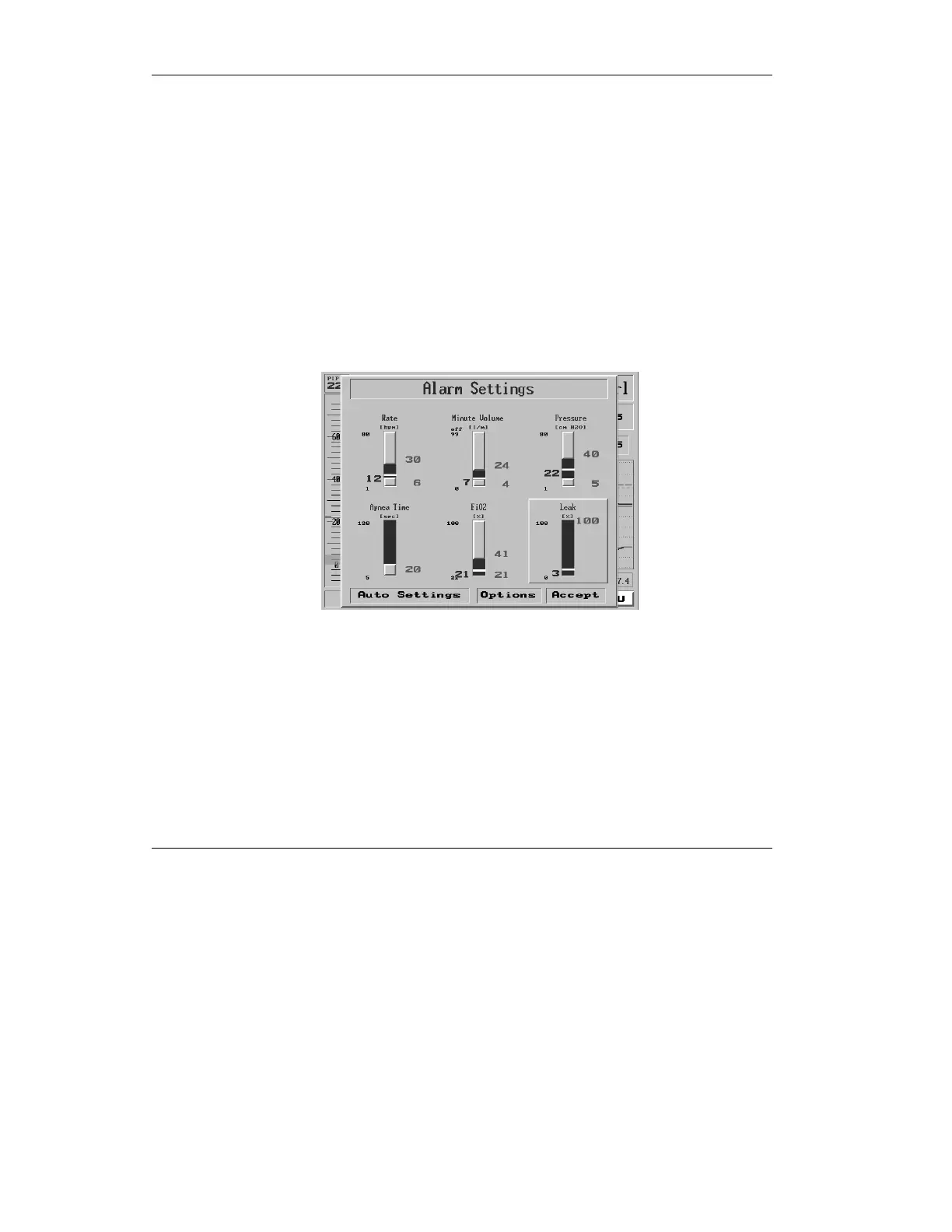
1. Click the Menu box on the Main
Screen to get the Main Menu.
2. Highlight and select the first
item on the Main Menu, Alarm
Settings
3. On the Alarm Settings pop-up,
dial the control knob until Leak
is selected in relief.
Figure 4.10 The Leak alarm slider highlighted
4. To change the Leak alarm
setting, press the control knob.
5. Adjust the control knob to select
a percentage between 0 and
100%.



 To Next Page