iVent201 Operator's Manual
135
⇒ To view the measured O2 concentration
with a high-pressure oxygen supply,
navigate to the Alarm screen [Menu- Alarm
Settings]. The blue number next to the
FiO2 alarm slider indicates the measured
O2 level (Refer to section 4.2.1.5 “Setting
the FiO2 Alarm” in the Operator Manual).
If the O
2
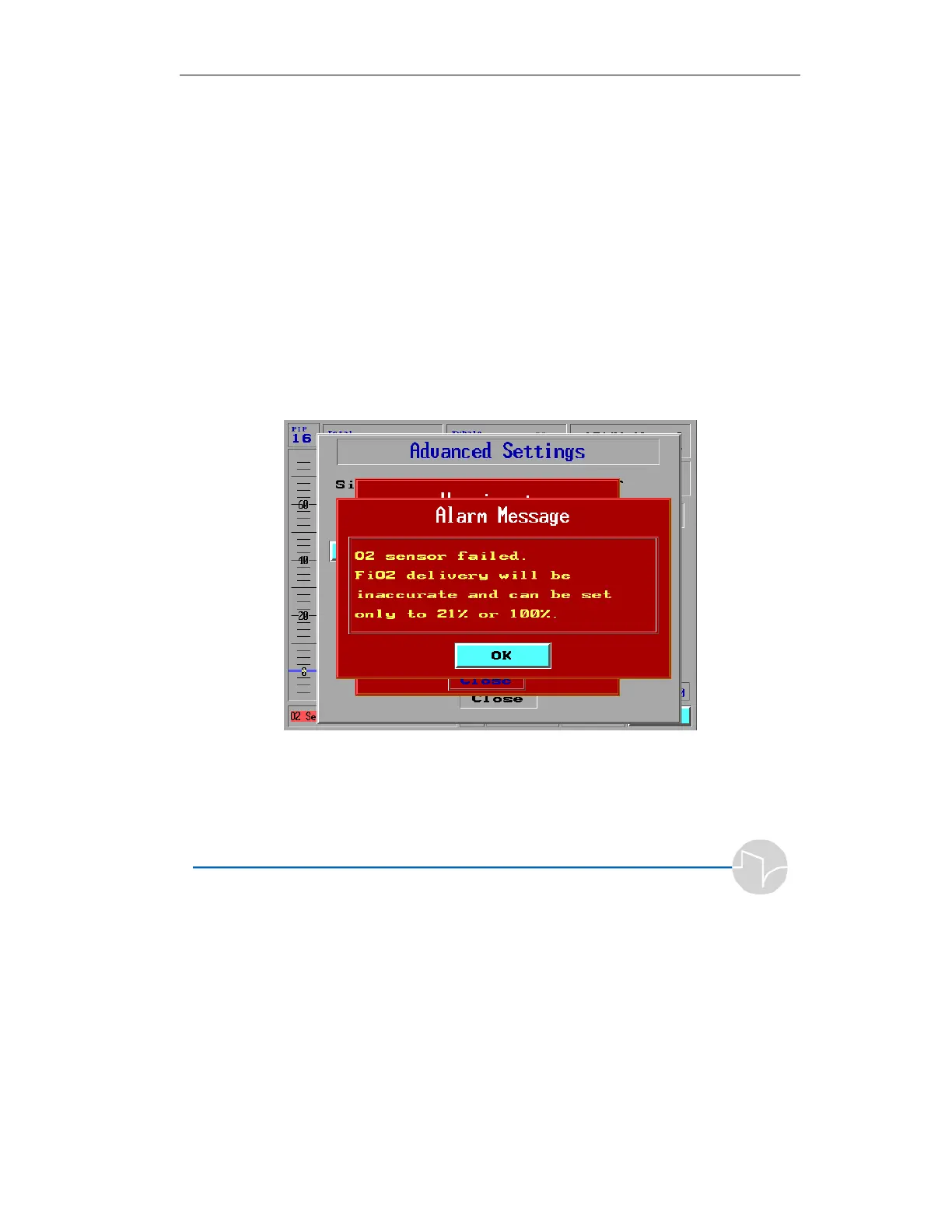
sensor fails, one of the following alarm messages is
displayed in the lower part of the iVent screen. The alarm
message depends on whether the iVent machine serial number
is lower or higher than 15000.
Alarm Message for Serial Number 12000 -15000
Figure 4.28 Alarm Message: O
2
Sensor Failed (For 12000 – 15000
Machines)
You cannot close this alarm using the Clear button.



 To Next Page