The Main Menu
136
Press the OK button to close the alarm box. The FiO2 setting is
displayed with a red blinking background. The FiO2 level is
not changed and continues ventilating with the current setting.
The two options for the FiO2 setting are 21% or 100%. After
changing this value to 21% or 100%, the new settings are
displayed with a yellow background.
When the O
2
sensor alarm message is activated, the O
2
alarm
messages, such as High O
2
or Low O
2,
will not be activated. The
O
2
alarm settings bar and the O
2
readings will be disabled.
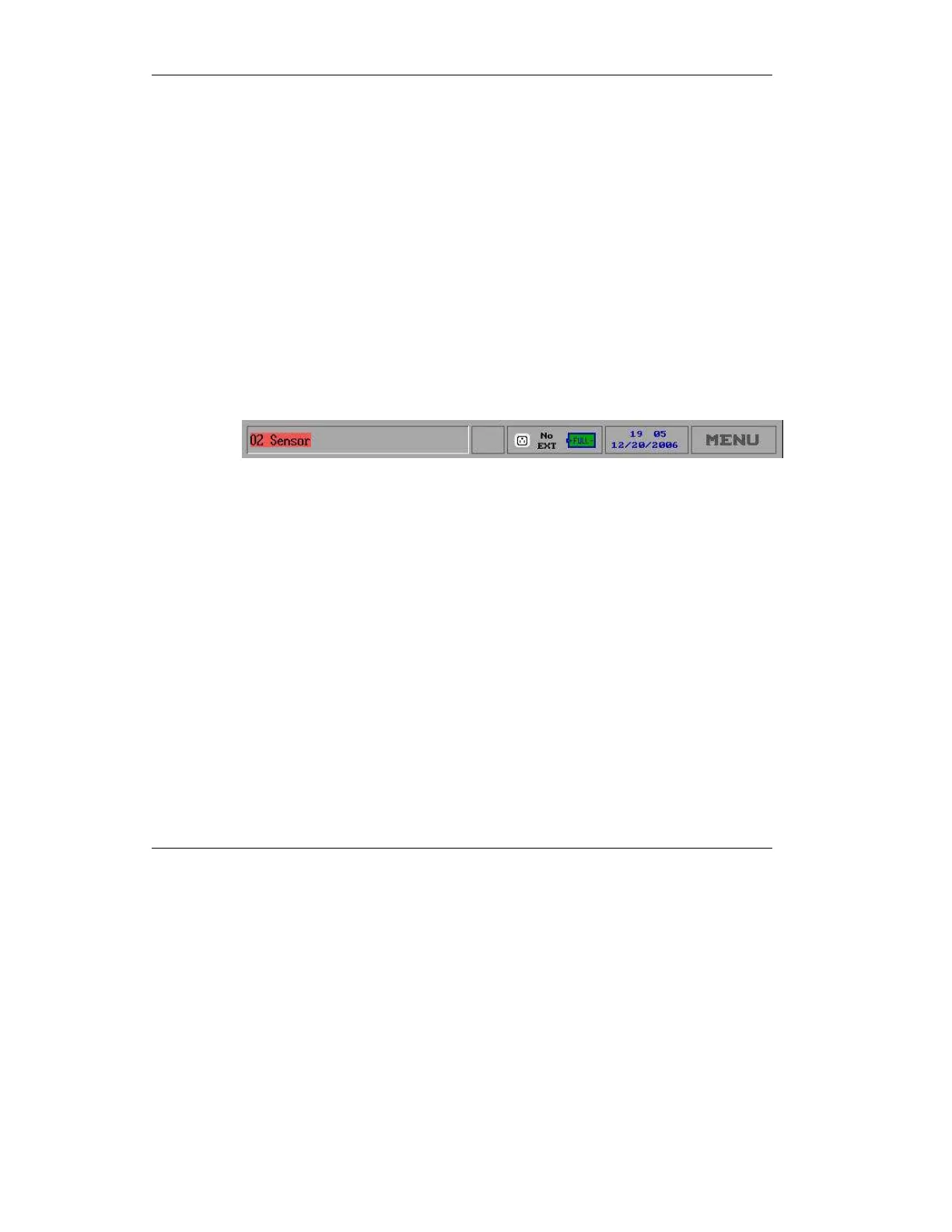
A small red icon is displayed on the left corner of the status bar,
showing “O
2
Sensor.” When the O
2
sensor failure is corrected,
this icon changes to green and may be cleared (see Figure 4.29
below).
Figure 4.29 The Status Bar with O
2
Sensor Icon



 To Next Page