iVent201 Operator's Manual
137
Alarm Message for Serial Number 15000 or Higher
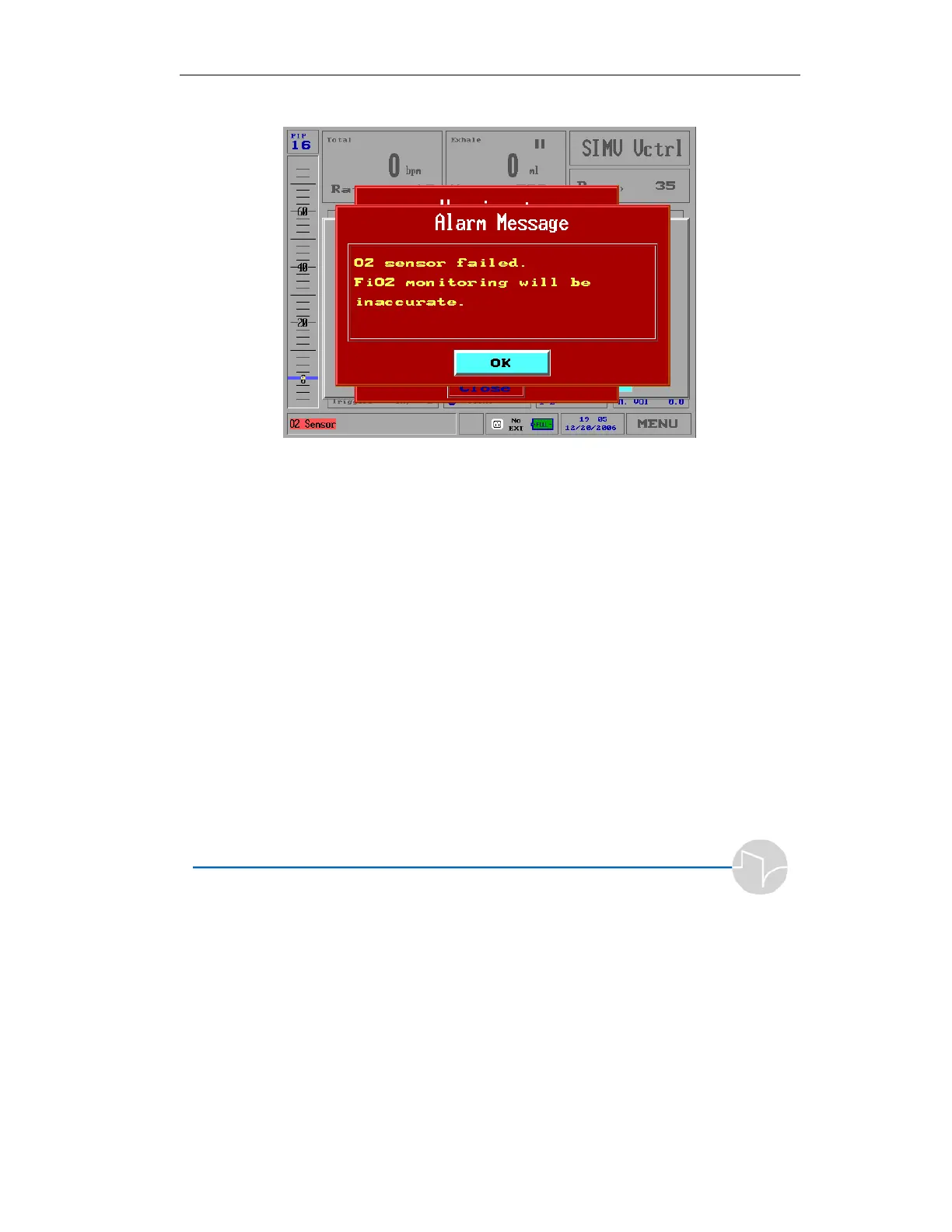
Figure 4.30 Alarm Message - High O
2
Sensor Failed
You cannot close this alarm using the Clear button.
Press the OK button to close the alarm box. The FiO
2
setting is
displayed with a yellow background. You can change the FiO
2
setting within a range from 21% to 100%.
In all machines, a small red icon is displayed on the left corner
of the status bar, showing “O
2
Sensor.” When the O
2
sensor
failure is corrected, this icon changes to green and may be
cleared.



 To Next Page