The Main Menu
138
4.3.4.2 Low + Monitoring Option
The Low + Monitoring option is used for a low-pressure
oxygen supply in combination with VersaMed’s low-pressure
adapter. If Low+ Monitoring is selected, the FiO
2
box on the
main screen will be grayed out, and the O
2
settings cannot be
changed. The display in the main screen will show the
measured FiO
2
(the FiO
2
delivered to the patient), as in the
Alarm screen [Menu - Alarm Settings]. All O
2
related alarms
are enabled.
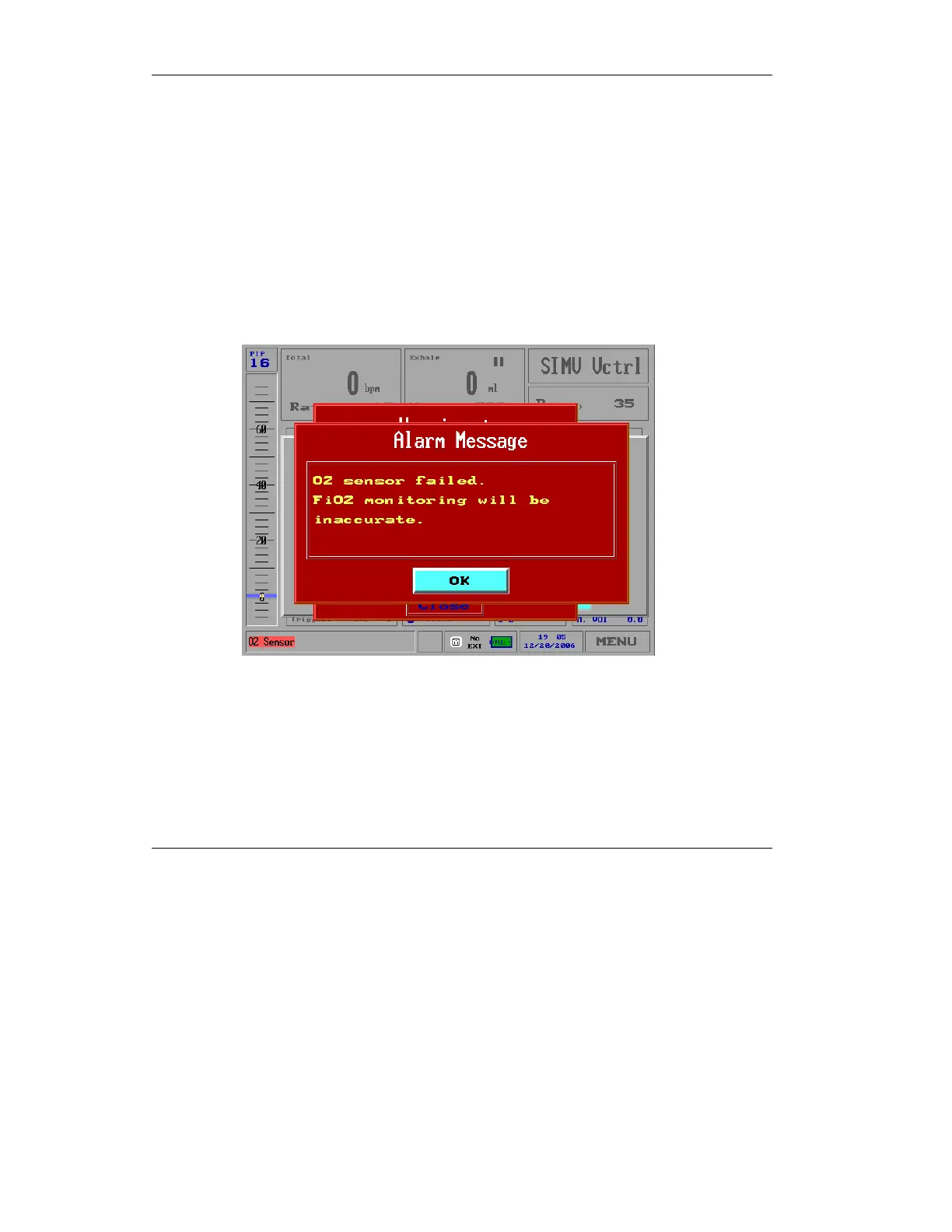
If the O
2
sensor fails, the following alarm message is displayed:
Figure 4.31 Low+Monitoring O
2
Sensor Failed Alarm Message
You cannot close this alarm using the Clear button.
When the O
2
sensor alarm message is activated, the O
2
alarm
messages, such as High O
2
or Low O
2,
will not be activated. The
O
2
alarm settings bar and the O
2
readings will be disabled.



 To Next Page