iVent201 Operator's Manual
139
A small red icon is displayed on the left corner of the status bar,
showing “O
2
Sensor” (see Figure 4.29 above). When the sensor
failure is corrected, this icon changes to green and may be
cleared.
4.3.4.3 Low Option
The Low option is used for a low-pressure supply in
combination with VersaMed’s low-pressure adapter. When this
option is selected, all the O
2
related alarms are disabled, such as
Low O
2
, High O
2
, and O
2
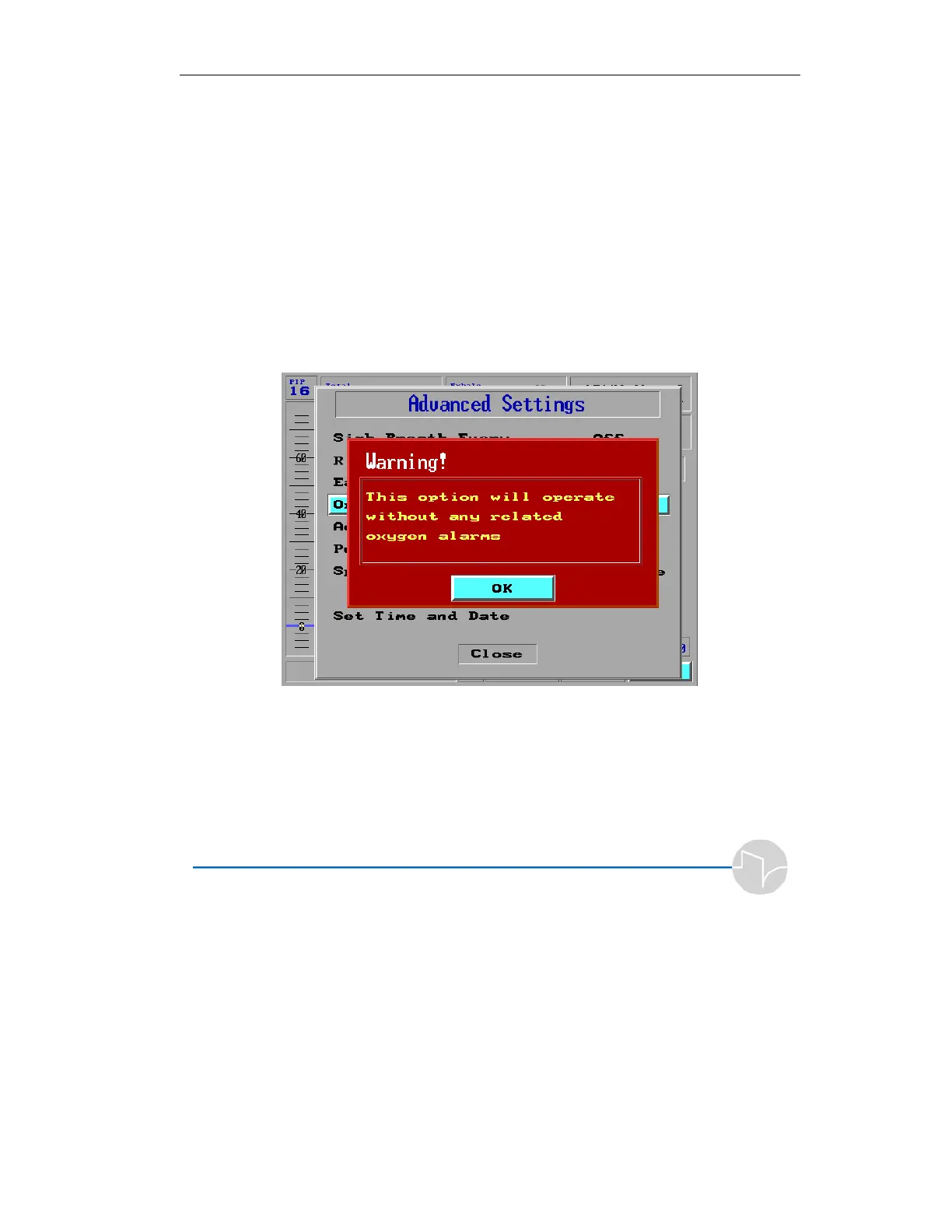
sensor failed. After selecting the Low
option, a message box is displayed:
Figure 4.32 Low Option Warning
The alarm settings and readings are disabled, and the FiO
2
field
will display
“ - -“.
If the O
2
sensor fails, no alarm will be displayed.



 To Next Page