The Main Menu
144
The oximeter includes motion tolerant software that
minimizes the likelihood that a motion artifact is
misinterpreted as good pulse quality. In some
circumstances, however, the oximeter may interpret
motion as good pulse quality, leading to inaccurate
SpO2 measurements.
Inspect the sensor application site at least every 6-8
hours to ensure skin integrity. Patient sensitivity may
vary due to medical status or skin condition.
Discontinue use of adhesive tape strips if the patient
exhibits an allergic reaction to the adhesive material.
To open the Oximetry Screen:
• On the iVent
201
use the control knob to select
Menu – Advance Setting – SpO2 – Enable.
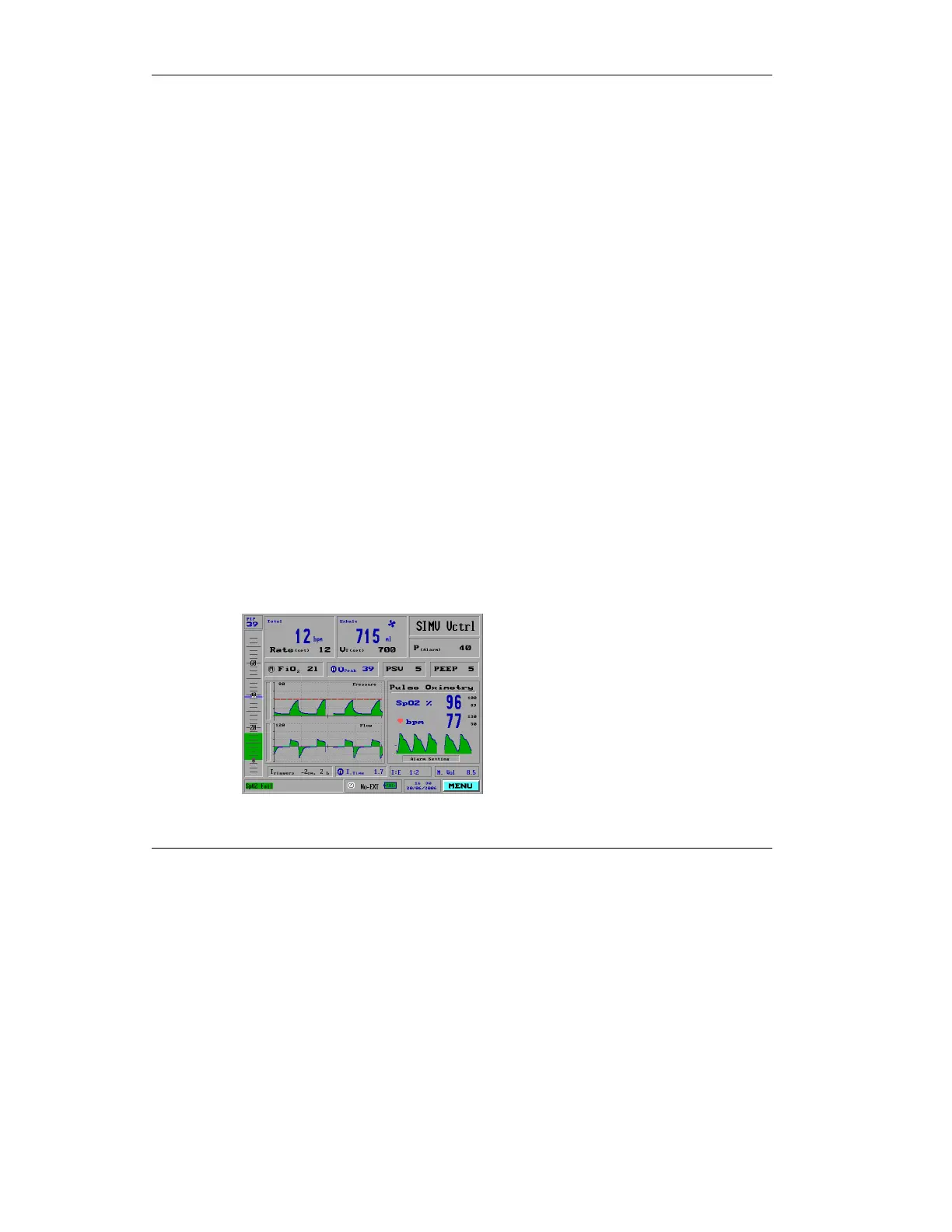
The Pulse Oximetry screen (highlighted in Figure 4.37 below)
displays the following measurements:
• SPO2 – displaying the oxygen saturation percent in the
patient blood. This measurement is available in numeric
format on all screens.
• Hart Rate – displaying the heart rate (in bpm) in numeric
format.
Figure 4.37 The Pulse Oximetry screen on the Main screen



 To Next Page