iVent201 Operator's Manual
145
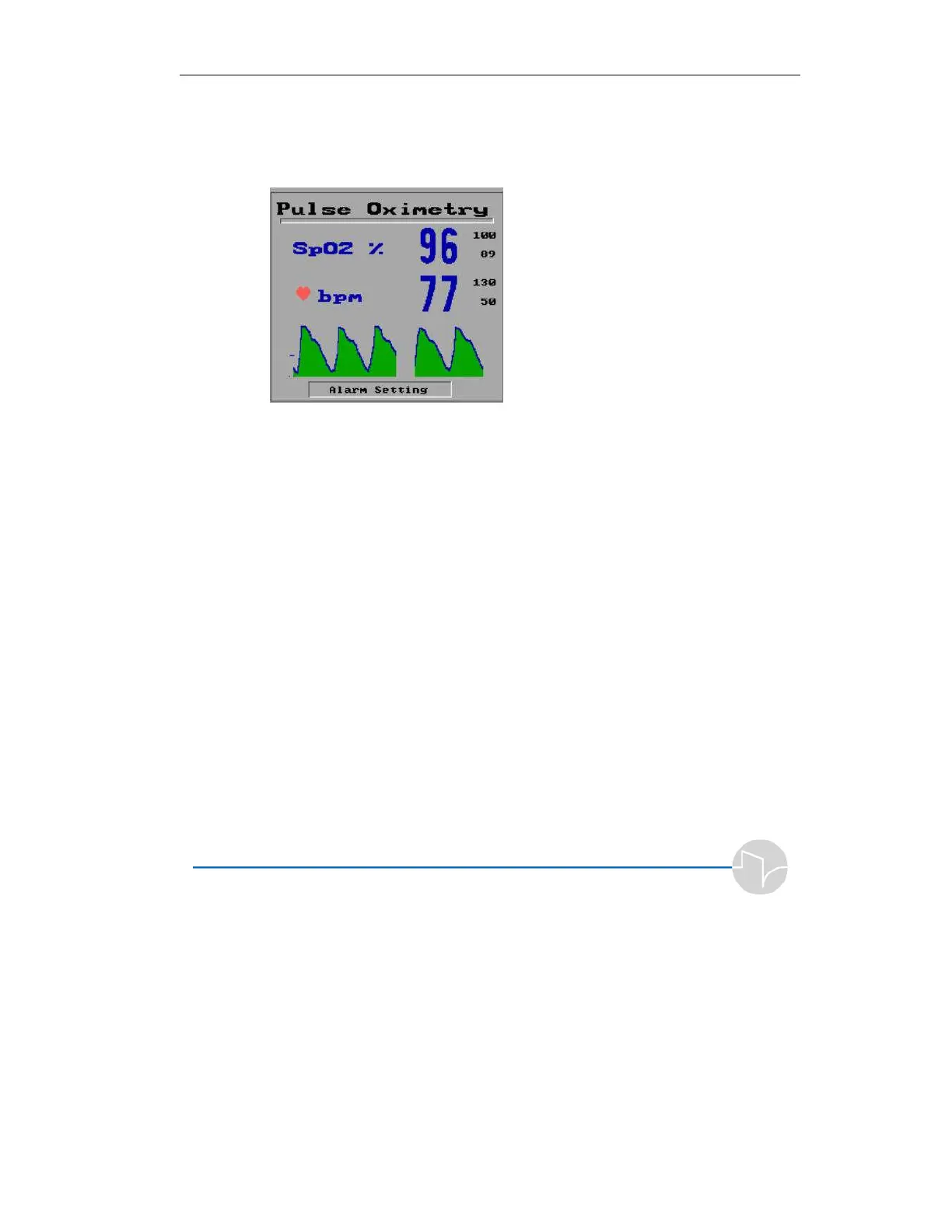
The upper and the lower alarm limits settings are displayed in
black on the right side of the screen. The actual measurements
are displayed in blue. The plethysmography waveform is
displayed on the screen lower section (see Figure below).
Figure 4.38 The Pulse Oximetry screen
To close the Pulse Oximetry screen:
• On the iVent
201
, use the control knob to select
Menu – Advance Setting – SpO2 – Disable.
The Pulse Oximetry screen is active even when the iVent
201
is
in standby mode, to allow continued monitoring of the
patients’ oxygenation and the heart rate. When the iVent is in
standby mode the Pulse Oximetry screen will expanded, as
shown in figure 4.39 below.



 To Next Page