The Main Menu
146
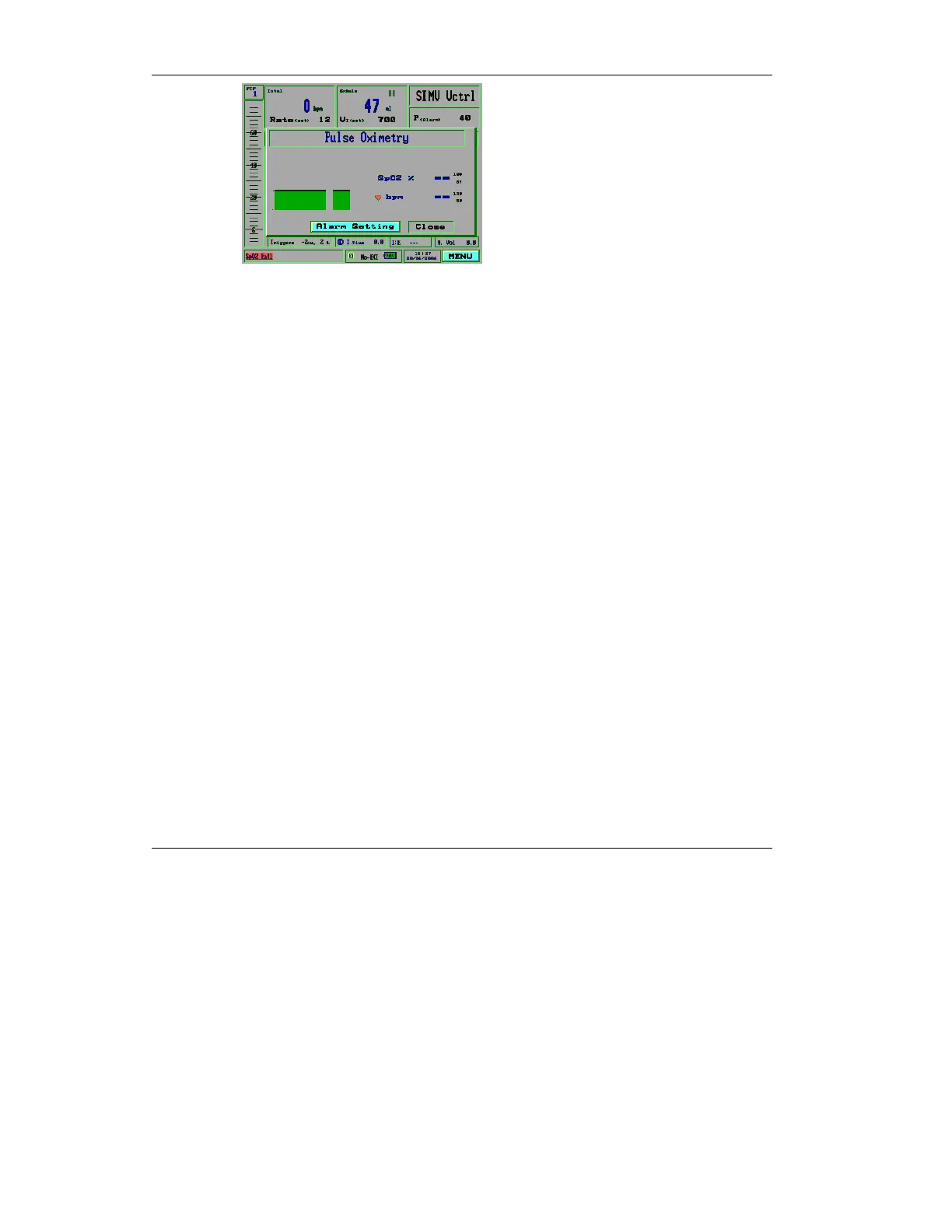
Figure 4.39 Pulse Oximetry screen in Standby mode
4.3.7.1 pulse oximetery Alarms
The following alarms are the pulse oximetery alarms. They are
activated only when the pulse oximetery Screen is enabled:
• SpO2 Low Perfusion
• Sensor Patient disconnect
• Sensor iVent disconnect
• Low SpO2
• High SpO
2
• High Heart Rate
• Low Heart Rate
You can set the alarms for the the high and low ranges for the
SpO
2
and Heart Rate alarms.
To set the alarms:
1. From the Pulse Oximetry
screen, use the control knob to
select Alarm Settings.



 To Next Page