iVent201 Operator's Manual
161
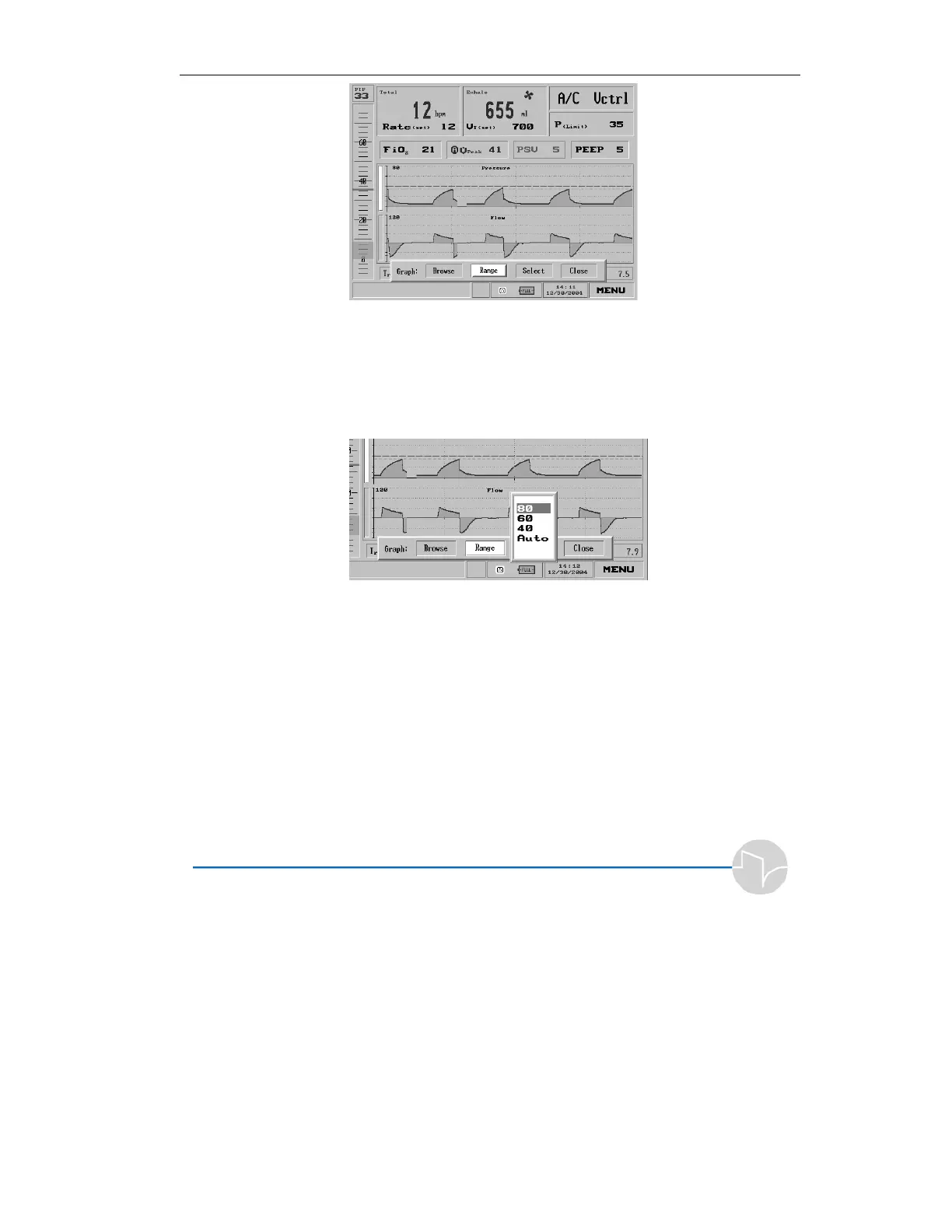
Figure 4.50 The Graph Choice bar, with Range selected
3. Dial the control knob until
Range is selected, then press. A
pop-up will offer a choice of
Ranges.
Figure 4.51 Ranges for Pressure
If you have chosen the Pressure graph,
the choices are 80, 60, 40 cmH
2
O and
Auto (the default). Move the dial to
choose the desired value. Press the
dial to accept the new range and
return to the Graph Choice bar.



 To Next Page