The Main Menu
162
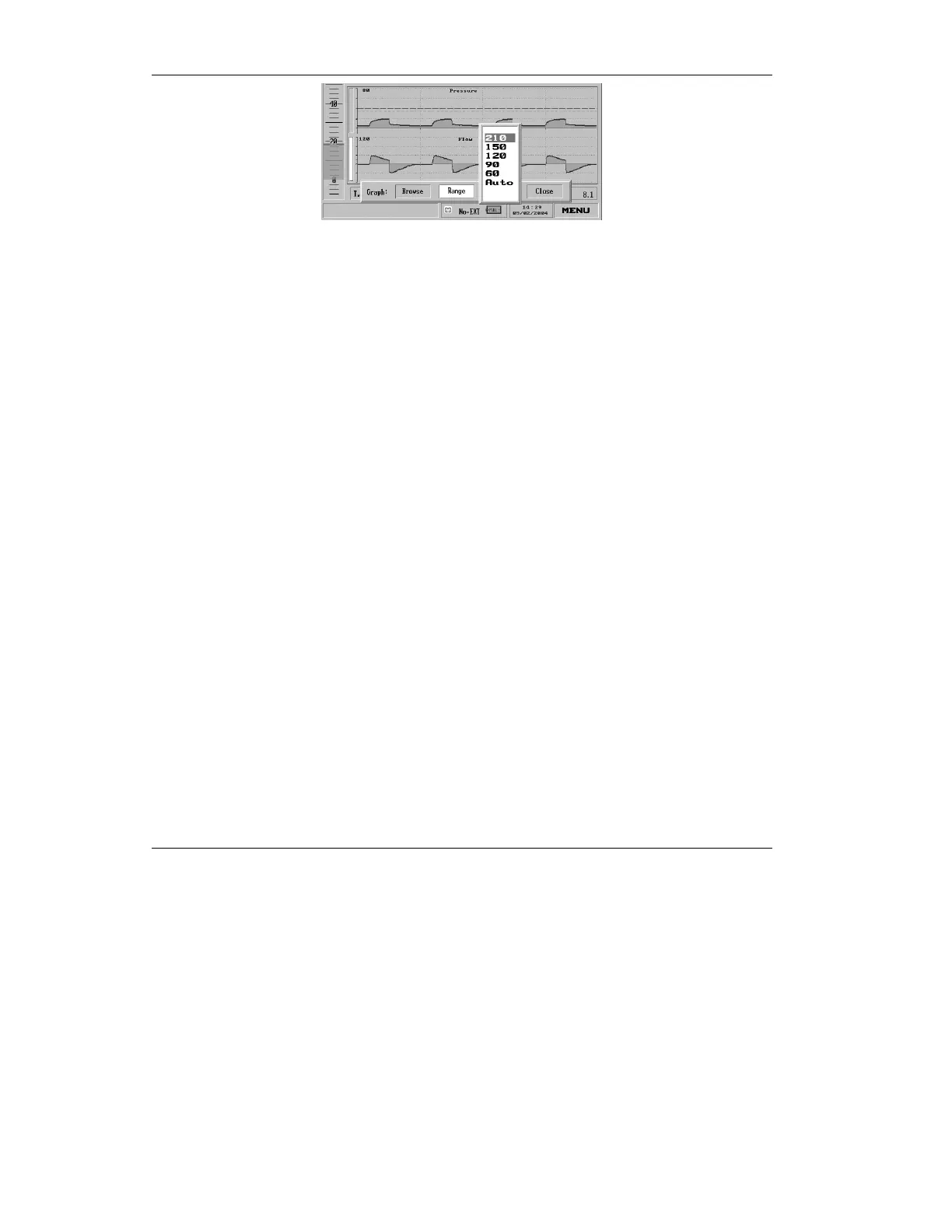
Figure 4.52 Ranges for Flow
a) If you have chosen the
Flow graph, the choices
are 210, 150, 120, 90, 60
L/minute and Auto (the
default). Turn the knob
to choose the desired
value. Press to accept
the new range and
return to the Graph
Choice bar.
4. Turn the dial until Close is
selected on the Graph Choice
bar, and click to return to the
Main screen.



 To Next Page