The Main Menu
176
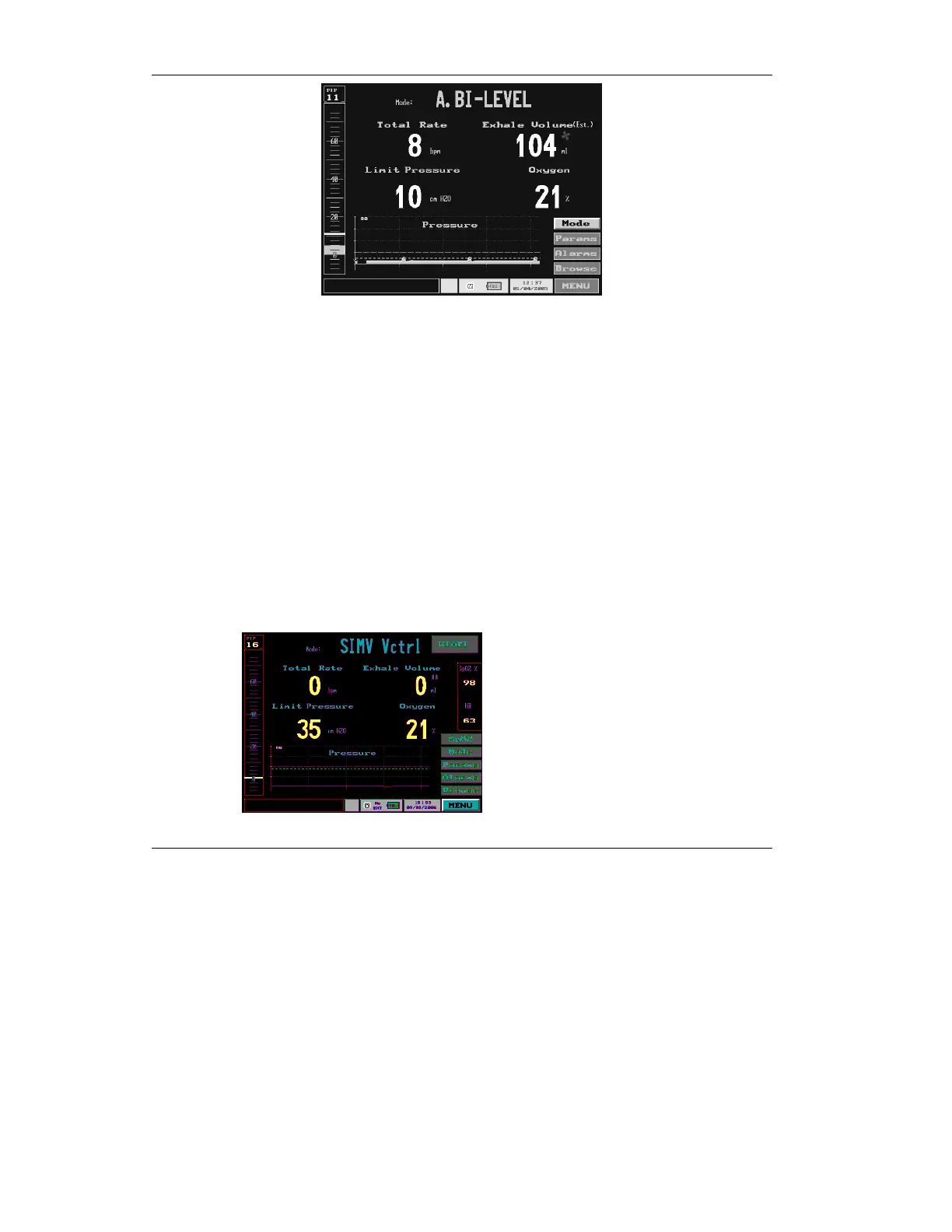
Figure 4.70 The Monitoring Display
The Monitoring display is designed for optimal readability,
showing yellow letters over a black screen with yellow
numerals showing key ventilation parameters.
The pulse SpO
2
box is also available also on the Monitor
display.
To display the SpO2 box on the Monitoring screens:
• Select the SPO2 button on the lower left side
of the screen.
The SpO2 box appears on right side of the screen.
Figure 4.71 The Pulse Oximetry box in the Monitor Display


 To Next Page
 Loading...
