Alarms
216
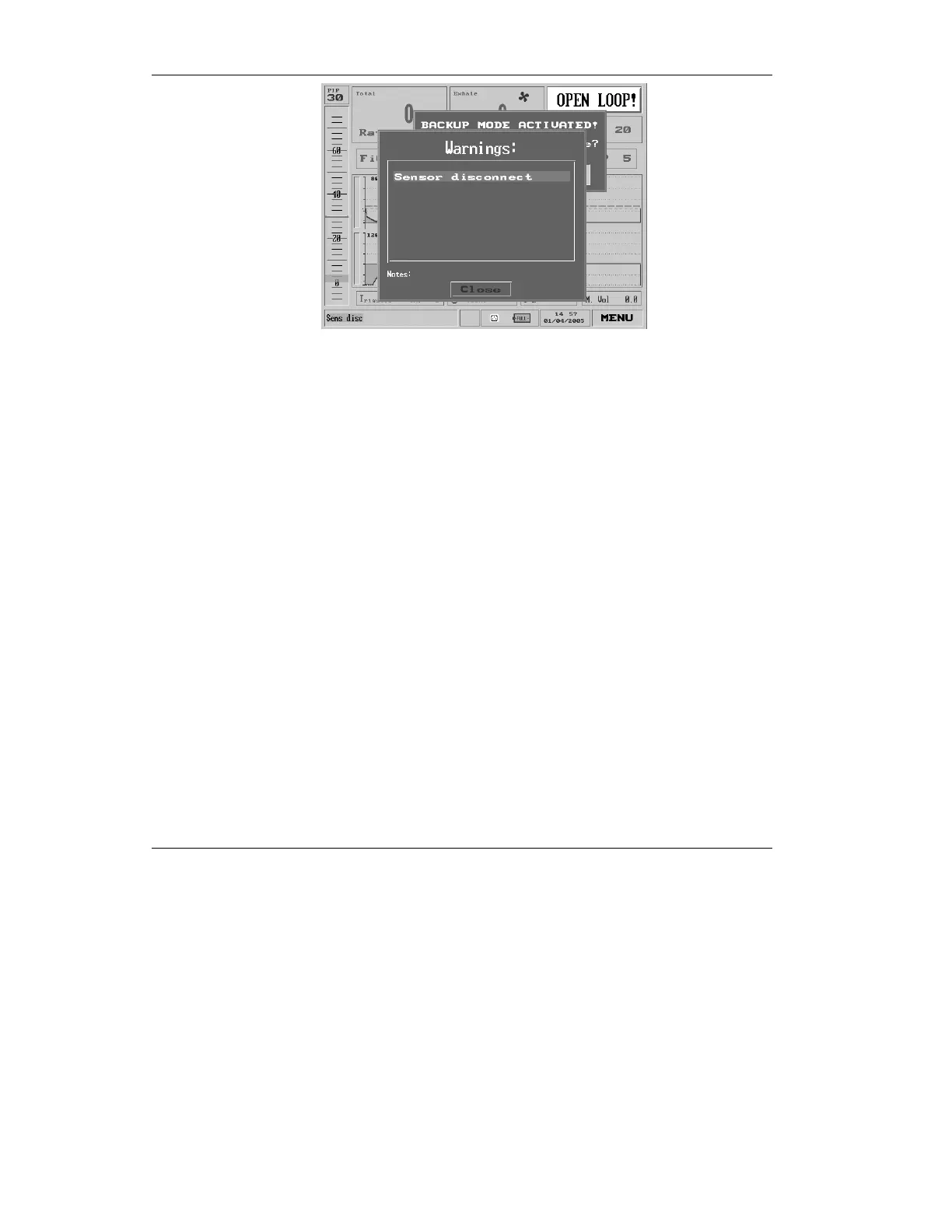
Figure 6.3 The Sensor Disconnect Alarm pop-up
• Press the clear button.
• Check the connection of flow transducer
tubing to the ventilator.
• Then, check for excessive amounts of water or
secretions, which can set off the sensor alarm,
in the tubing and flow transducer.
• If no water or secretions are visible, wait
approximately 10 breaths – sometimes
coughing can cause Check Sensor or Sensor
Disconnect alarms.
• If the ventilator does not automatically return
to the previous mode and setup, press the
”Restore” option in the Backup Mode
Activated message and check the setting
values: PEEP, Rise-Time (auto).



 To Next Page