iVent201 Operator's Manual
227
7. Dial the control knob to select Ventilator Verification
Test, and press.
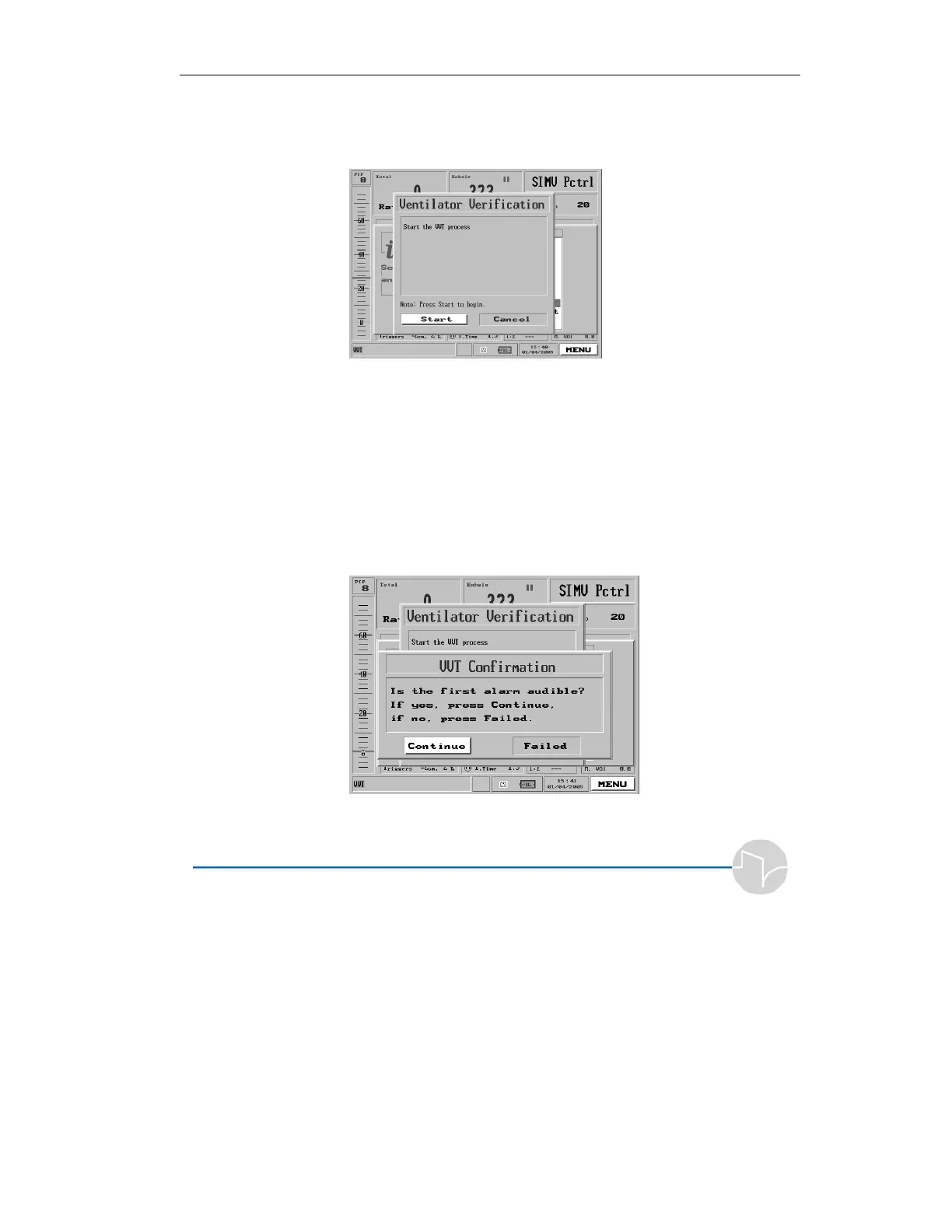
8. The Ventilator Verification pop-up window appears.
Figure 7.2 The Ventilator Verification pop-up
9. Make sure Start is selected and
press the control knob.
7.4.2.3 The Alarm Sound Test
1. The VVT window will ask if the first alarm is
audible. If you can hear it, select “Continue” to
proceed. If you can’t hear it, press “Failed.”
Figure 7.3 The VVT Alarm test


 To Next Page
 Loading...
