Care, Maintenance, and Tests
236
1. From the maintenance screen,
highlight and select
Localization.
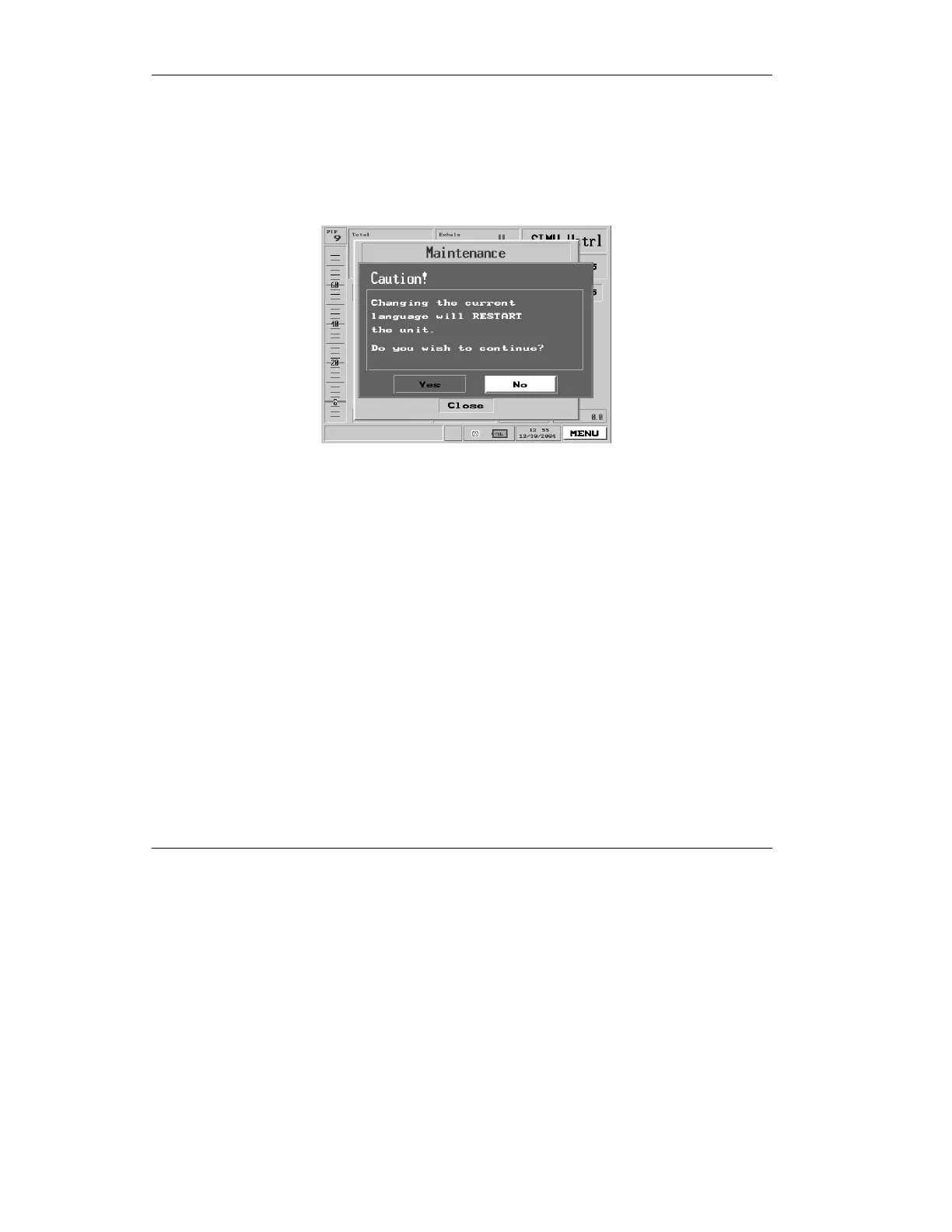
2. A red warning pop-up will
appear.
Figure 7.6 The Localization Warning Pop-Up
If you are sure you wish to proceed, make sure “Yes” is
selected and press the control knob.
3. The Localization screen
appears:
4. Make sure Language is
Highlighted, and press the
control knob. You will be
presented with a pop-up
offering you a choice of several
languages:



 To Next Page