iVent201 Operator's Manual
237
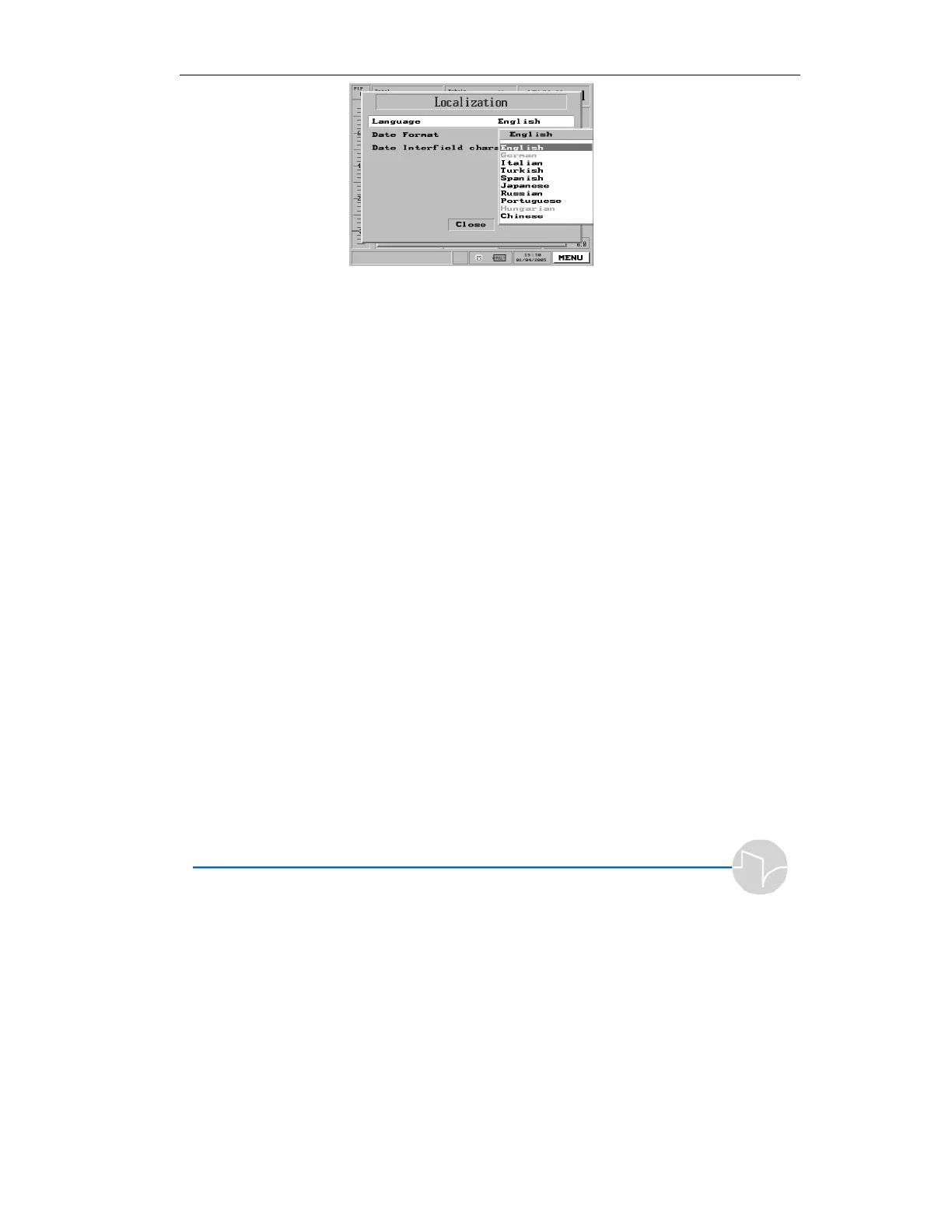
Figure 7.7 Language choices
5. Dial the control knob to select
the language you wish. When
you press to confirm your
selection, the machine will
restart in the language you
chose.
On this screen it is also possible to select the date
format for the display as Month Day Year (MDY),
Day Month Year (DMY) or Year Month Day (YMD).
The character that separates the day month and year
may also be selected by choosing the Date Interfield
Character menu. This character can be either a
forward slash ‘/’, a colon ‘:’ or a period ‘.’.



 To Next Page