Setting Up
34
10. Place the unit in Standby mode (see page 69),
then switch it off. Connect the AC power cord.
11. Let the unit charge for at least 10 hours.
If after a full recharge, the battery indicator fails to reach Full,
or a Low or Empty Battery alarm displays, then the battery
pack must be replaced.
2.1.2.2 Battery Pack Replacement
12. Disconnect the unit from
external power.
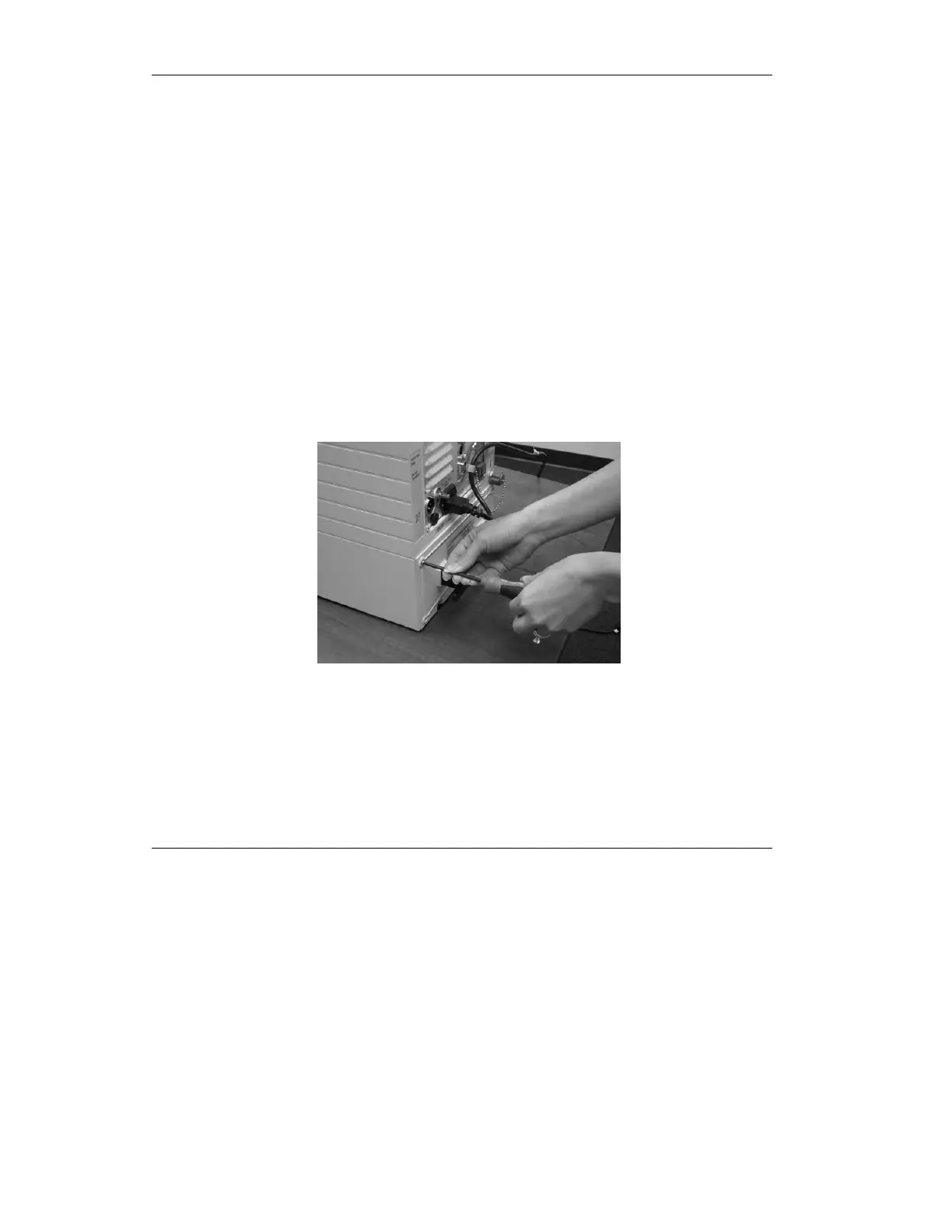
13. With a #1 Phillips-head
screwdriver, remove all four
screws from the battery pack
plate.
Figure 2.7 Unscrewing the battery pack
14. Using the handle, pull the
battery pack out.



 To Next Page