iVent201 Operator's Manual
35
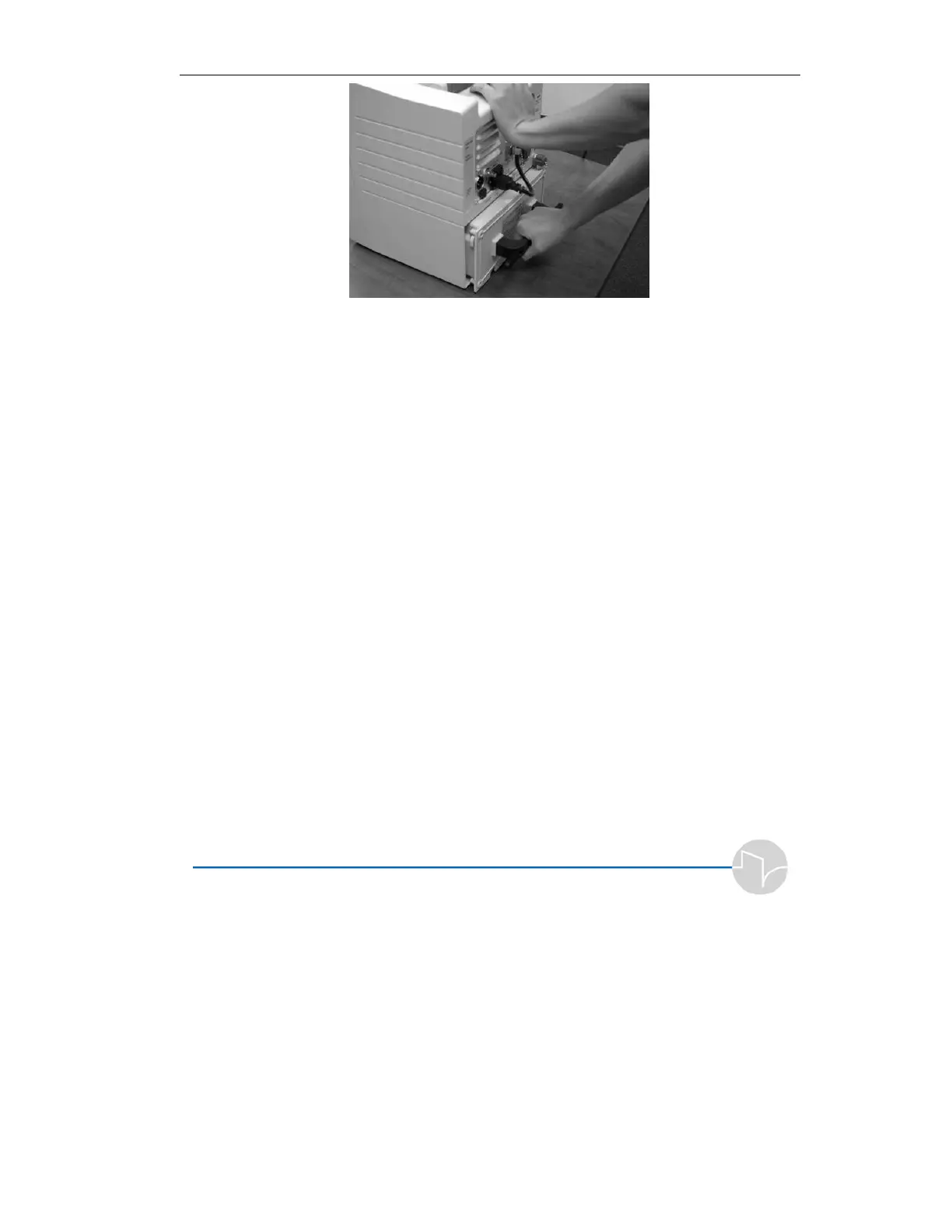
Figure 2.8 Removing the battery pack
15. Carefully slide the new battery
pack into the chassis. Be sure it
is properly aligned.
16. Firmly and carefully push the
battery back into place, making
certain the female connector at
the front end of the pack plugs
into the ventilator.
17. Reattach the four screws.
18. Charge the battery by following
the instructions in Section
2.1.2.1, “Full Recharge
Procedure.”



 To Next Page