Setting Up
48
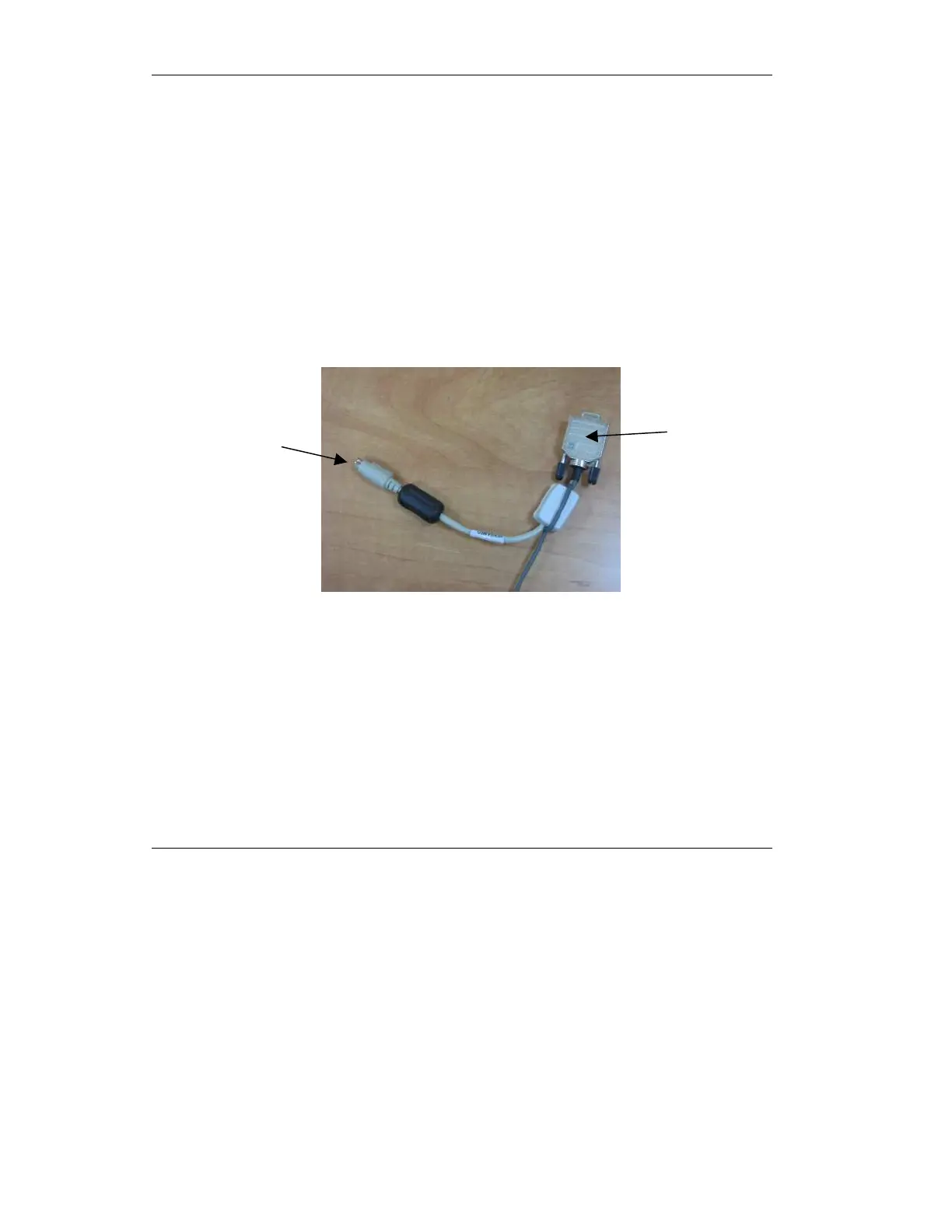
To connect the pulse oximeter to the iVent201 ventilator:
1. Remove the pulse oximetry
sensor and the unit connector
cable from the kit. One end of
the unit connector is gray and
connects to the sensor. The
other end of the unit connector
cable has two connectors, a
Keyboard connector and an RS-
232 connector. See the figure
below.
Figure 2.14 Pulse Oximetry Connectors
2. Connect the pulse oximetry
sensor to the gray end of the
unit connector cable (see the
figure below).
Keyboard
RS-232



 To Next Page