iVent201 Operator's Manual
49
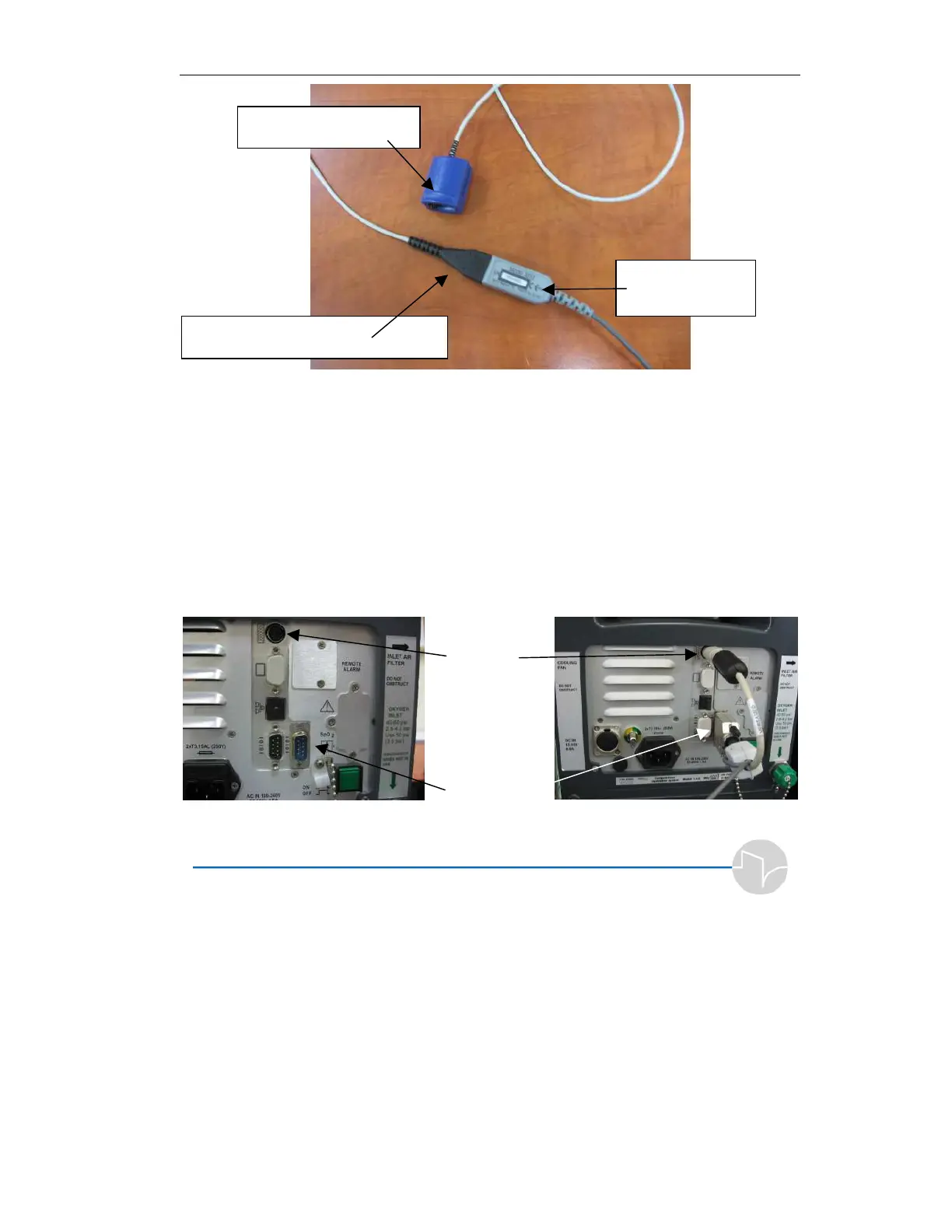
Figure 2.15 The Pulse oximetry Sensor
3. At the rear panel of the iVent
201
device, connect the following:
The Keyboard connector to the
Keyboard port.
The RS-232 connector to the RS-
232 (COM-2) port, the port on the
right side of the machine. (See the
figure below).
Keyboard
port
RS-232 Port
Figure 2.16 iVent
201
Rear panel
Pulse oximetry Sensor
Pulse oximetry Sensor connector
Unit Connector



 To Next Page