iVent201 Operator's Manual
67
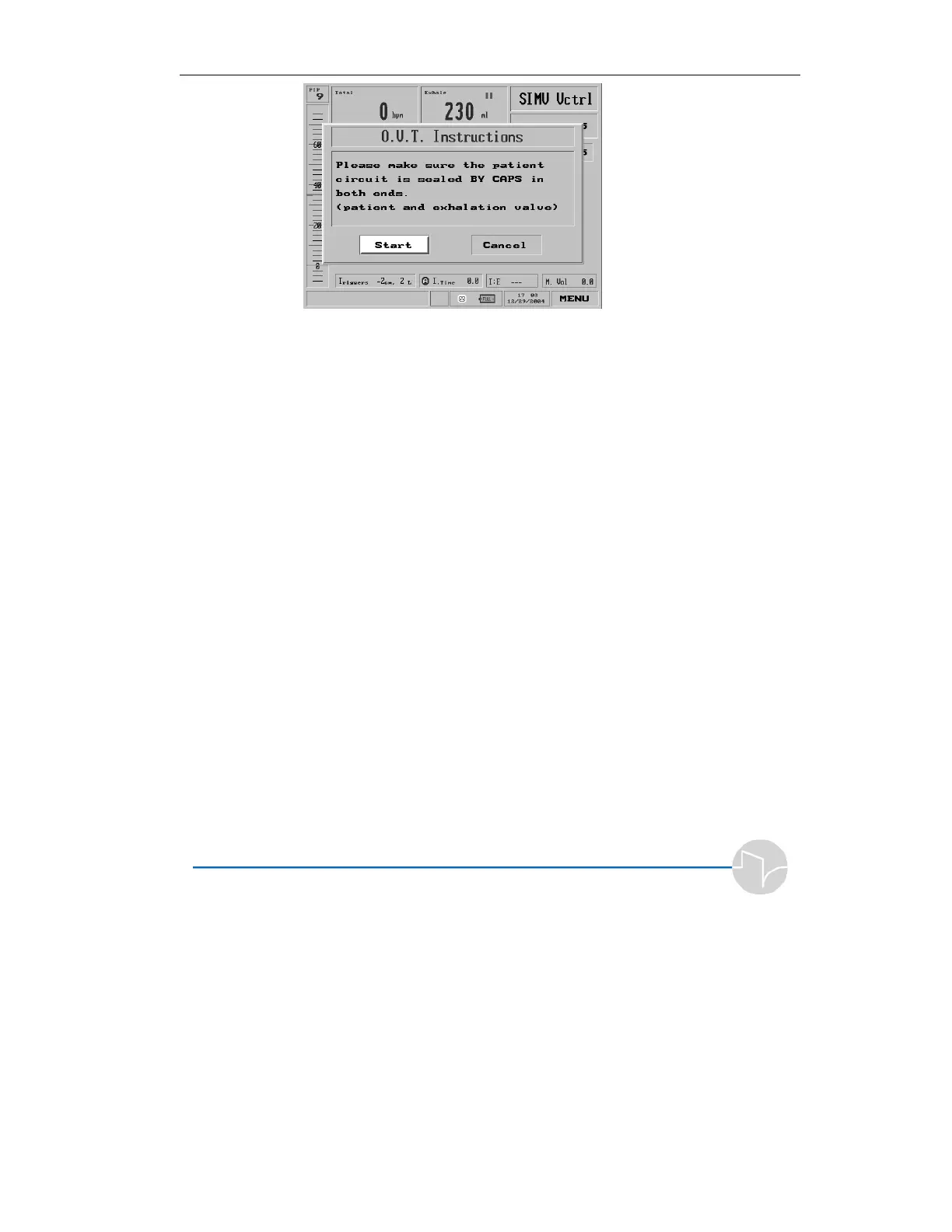
Figure 3.2 The initial O.V.T. pop-up
3. Follow the instructions on the
screen. Use the plastic caps to
seal off:
a) the patient Wye sensor,
and
b) the exhalation valve.
4. Press the knob to begin the test.
A pop-up appears, indicating
the test has begun.
5. After several seconds, another
pop-up directs you to remove
the cap on the exhalation valve,
leaving the cap on the Wye
sensor.
6. After the ventilator performs
further testing, it will sound an
alarm. If you can hear the
alarm, press the control knob to
complete the O.V.T.



 To Next Page